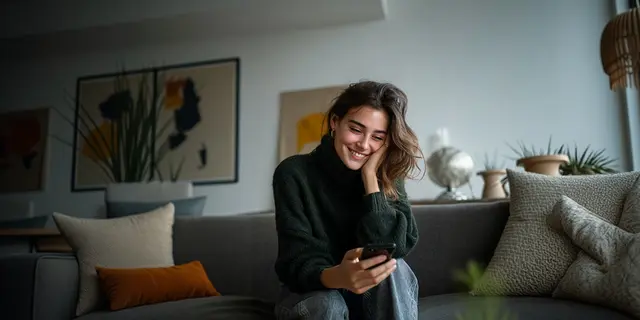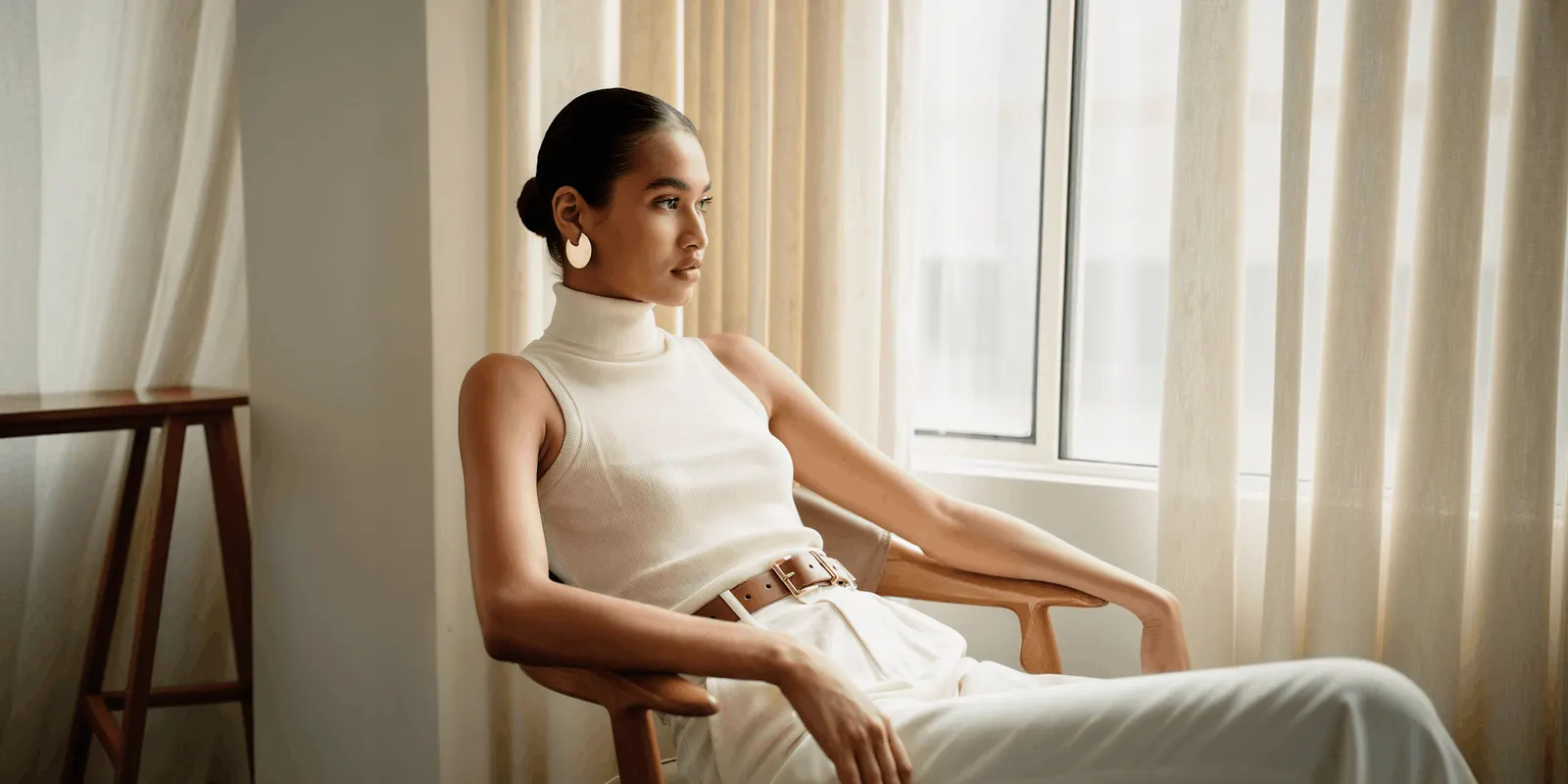
Good Poshmark listing photos do four jobs quickly: correct the color, clear the background, show the garment on a body, and match the rest of your closet. Poshmark allows up to 16 photos and one video per listing, and the first photo, which Poshmark calls the Covershot, is the shopper’s first impression of the item (blog.poshmark.com, September 2026). At 40 listings a week, minutes per item is the real constraint.
Nobody is booking a studio for a $28 sweater. The problem is arithmetic. Forty listings a week at 14 minutes of photo work each is over nine hours, before you measure anything, write a description or print a label. Most of that time goes on retakes, because a ceiling bulb turned a cream sweater beige and you noticed after the fifth shot.
This is a playbook for a one-person resale business run from a bedroom, not a brand with a studio. It covers the four photo jobs, what Poshmark’s own rules require, what the work costs you per week, and where the line sits between fixing a photo and misdescribing an item.
Key Takeaways
-
16 photos and one video per listing, shot in portrait at 3:4. Poshmark’s photography guide states the cap. Since March 2026, Poshmark shows cover photos in portrait instead of square, in search and in the feed (blog.poshmark.com, September 2026).
-
Your household bulbs are the color problem. Poshmark says it plainly: most household light bulbs cast a warm yellow light, which may result in an off-color image, especially on denim (blog.poshmark.com, September 2026).
-
The Covershot carries the whole click. Poshmark’s Seller Policy says the item for sale should be clearly represented in the main photo (poshmark.com/terms, September 2026).
-
Consistency is what makes a closet read as a shop. Poshmark’s guide tells sellers to pick one styling method and stay consistent, because it gives a closet a branded feel when shoppers browse it (blog.poshmark.com, September 2026).
-
Never edit out condition. Poshmark tells sellers to avoid any photo editing techniques that make it difficult for buyers to accurately assess the condition of the item (poshmark.com/terms, September 2026). Buyers get 72 hours after delivery to open a case with supporting photos.
-
We found no Poshmark rule about AI-generated listing images, as of September 2026. Its Terms and Community Guidelines do not mention AI-generated, synthetic or generative images (poshmark.com, September 2026). The original-photo and condition rules still apply.
-
The on-model job is the one that costs money. Everything else you can fix with a window and a habit.
What does Poshmark require in listing photos?
Poshmark’s Seller Policy asks for informative listing descriptions “that include your original photos of the items and details such as the condition and any flaws or unique features”. It says the item for sale should be clearly represented in the main photo and tells you to avoid editing that hides condition. It also says sellers must have possession of, and ship, the actual item described (poshmark.com/terms, September 2026). Poshmark staff may review images in a dispute.
Read that as three separate obligations. The photos must be yours. They must show this item. And they must not be processed in a way that hides what the buyer is buying. Poshmark names collages and heavy special effects as the examples.
Poshmark’s listing photography guide fills in the practical side. Up to 16 photos and one video. That 2020 guide says to shoot square, at 1:1. Poshmark changed the shape in March 2026. Cover photos now display in portrait, at a 3:4 ratio. Your phone camera already shoots that shape (A New Look for Listing Photos, September 2026). Detail photos should cover the front, the back, the item laid out flat, the size tag, something for scale, and any rips, stains or signs of wear (blog.poshmark.com, September 2026).
Why do Poshmark photos look yellow, and how do you fix the color?
Because you are shooting under a tungsten or warm LED ceiling bulb. Poshmark’s own guide says most household bulbs cast a warm yellow light that produces an off-color image, and calls out denim specifically (blog.poshmark.com, September 2026). Color is not a vanity problem. A cream jumper that photographs beige is a “not as described” case waiting to happen.
The fix takes one afternoon and then costs you nothing per item.
- Pick one window and shoot only there. North-facing is steadiest. Open the blinds fully.
- Turn every ceiling light off. Mixing window light and a warm bulb gives you two color temperatures in one frame, which no edit fully repairs.
- Put the item side-on to the window, not backlit. Backlight makes your phone underexpose the garment.
- Bounce the shadow side. A white poster board or a bedsheet on the dark side lifts the fabric without a second lamp.
- Tap the garment on screen to set exposure, then shoot. Check one frame against the real item before you shoot the other 15.
If a color still reads wrong, the honest move is a retake, not a saturation slider. Our guide on fixing bad product photo lighting covers what is recoverable in an edit and what is not.
How do you get a clean background without a studio?
You have two options and they cost different amounts of time. Option one is physical: a white sheet, a roll of paper or a poster board taped to a wall, which Poshmark itself recommends. Option two is a cut-out, where you shoot against whatever you have and remove the background afterwards. Physical is slower to set up once and faster forever after.
A door, a radiator and a laundry basket in frame do not make an item look cheap. They make it look like someone’s chore, which is a different and worse problem. The buyer is trying to picture the piece in their own life, and your hallway is doing the opposite work.
For a closet reseller, the practical answer is usually both. Keep the sheet up for hanging and flat-lay shots. Use a cut-out tool for the awkward items: shoes on a shelf, a coat too heavy to hang cleanly, anything you shot at a friend’s house. A clean white background template in DesignerBox handles the second case, and our walkthrough of AI background removal covers where edge quality fails on fur, lace and fine straps.
One rule holds across both: whatever you remove must be background only. Removing a chair is presentation. Removing a stain is not.
How do you show a garment on a body at 40 listings a week?
A garment on a hanger tells a buyer nothing about how it falls. Drape, length, where a waist sits, whether a sleeve is slim or wide: none of that survives a flat photo. Modeling 40 items a week yourself means 40 changes of clothes, which nobody sustains past month two.

The realistic options, in order of time cost per item:
- A dress form or hanger. Fastest. Shows shape, not fit.
- Self-modeling. Best evidence of fit. Roughly six minutes an item once you count changing twice.
- A generated on-model image from the flat garment shot. Around a minute of attention, and the flat shot is one you were taking anyway.
The third option is where DesignerBox’s virtual try-on template fits. You photograph the actual garment flat and run it. The result shows the garment on a model. One limit: virtual try-on starts on the Premium plan.
The rule that matters more than the tier: a generated on-model image is a styling shot, not a condition shot. It goes in a detail slot, never as your only evidence, and never in place of the flat photo of the real item. Putting clothes on a model with AI covers how much fabric texture survives the process, which is the part resale buyers zoom into.
How do you make a Poshmark closet look like a shop?
By repeating three things: one background, one crop, one light direction. Poshmark’s guide says the same thing from the other end, telling sellers to stay consistent across new listings because that is what gives a closet a branded feel when shoppers browse it (blog.poshmark.com, September 2026).
A closet grid where every Covershot shares a background reads as a shop. One where the backgrounds change every third tile reads as a clear-out, and buyers price a clear-out lower. The grid is doing sales work whether you manage it or not.
Write your setup down as five fixed decisions and stop deciding them per item:
| Decision | Fix it once as |
|---|---|
| Background | One sheet or paper roll, same one every time |
| Light | Same window, blinds open, ceiling lights off |
| Format | Portrait 3:4, Poshmark’s display shape since March 2026 |
| Styling | One method: flat lay, hanging, dress form or modelled |
| Photo order | Covershot, front, back, tag, scale, then every flaw |
Locking the photo order matters more than it sounds. It removes the decision from every listing and it stops you forgetting the flaw shots on the item where they matter most. Set the background, the crop and the light once, and save that as the job. Then run the same job on every item behind it, so listing one hundred looks like listing one. Keeping fashion images consistent across a catalog goes deeper on the same idea for larger inventories. Anyone can make an AI picture. Making hundreds that still look like your brand is the hard part. In DesignerBox the same idea is a saved workflow: it runs the same way on the next item. Batch runs one workflow over a whole sheet of items. The templates, the workflows, batch, the image editor and the Assets library are all part of DesignerBox. The full workflow from the first product photo to the finished ad, in one subscription. For a one-person brand, the solo founders page starts from a phone photo of the real product.
What does the photo work cost you per week?
Here is the arithmetic for 40 listings a week. These are planning estimates from a standard bedroom setup, not measured research, so time yourself across one batch of ten and replace the numbers with your own.
| Photo job | By hand, per item | With a fixed setup, per item |
|---|---|---|
| Get the color right, including retakes | 2 min | 30 sec |
| Clear the background | 2 min | 30 sec |
| Show it on a body | 6 min | 1 min |
| Match the closet look | 2 min | 30 sec |
| Shoot the flaws, never automated | 2 min | 2 min |
| Per listing | 14 min | 4 min 30 sec |
| 40 listings a week | 9 h 20 m | 3 h |
The gap is six hours a week, and almost all of it comes from two rows: the on-model job and the retakes you stop needing once the light is fixed. The flaw row does not move, and it should not.

Poshmark has published its own number on the adjacent problem. It says Smart List AI, its photo-based listing tool, reduced listing time by 48% on average (Poshmark press release, January 2025), and 82% of beta testers said it saved them time compared with Classic List (blog.poshmark.com, January 2025). That covers titles, categories and descriptions. The photography is still yours.
Where is the line between editing and misdescription?
Correcting a color cast is presentation. Removing evidence of condition is a misdescription. That line is the whole ethics of resale photography, and Poshmark writes it into the Seller Policy: avoid any photo editing techniques that may make it difficult for buyers to accurately assess the condition of the item, such as collages or heavy special effects (poshmark.com/terms, September 2026).
Resale sells one specific item in one specific condition. A brand can shoot a representative sample because every unit is identical. You cannot. Your photos are evidence about this exact garment, and Poshmark states that images may be reviewed and considered by its staff in a dispute.
Never edit out wear, pilling, marks, alterations, a replaced button or a missing belt. Keep one untouched close-up of every flaw, shot in the same light, unedited beyond a crop. Those frames are what win a case.
The mechanics make this concrete. Under Posh Protect, a buyer has 72 hours after delivery to open a return case with supporting photos, on grounds including undisclosed damage, incorrect or missing item, item not as described, or authenticity (poshmark.com/posh_protect, September 2026). If no case opens within three days of delivery, payment releases to you and the sale is final. Poshmark does not accept returns for fit or a change of mind. So the only cases you can realistically lose are the ones your photos invited.
Does Poshmark allow AI images in listings?
We found no answer from Poshmark. Its Terms of Service and Community Guidelines do not mention AI-generated, synthetic or generative images, as of September 2026 (poshmark.com/terms and poshmark.com/community_guidelines). The only AI reference in the Terms is Smart List AI, Poshmark’s own listing tool. Sellers are told to review what it writes for accuracy and completeness.
Silence gives no permission, and it sets no ban. It means the general rules govern. Those rules ask for your original photos of the item, a main photo that clearly represents it, and no editing that obscures condition. A fully generated garment image fails all three. A generated styling shot in a detail slot, sitting alongside real photos of the real item, does not obviously fail any of them.
Other marketplaces are less quiet, and the differences matter if you cross-list. Vinted’s catalog rules say photos must show the item as it is, and that no image editing is allowed (Vinted catalog rules, September 2026). That is why the resale platforms’ photo rules side by side is worth reading before one photo set goes everywhere. If you cross-list on Depop, Depop shop photos covers the same one-look grid for that app. If you also sell live, read Whatnot’s photo rules too, because the item there is usually one of one. We cover the published positions in marketplace rules for AI product photos, and the disclosure question separately in labeling AI-generated fashion images. If you sell into the EU, read the second one before you publish a generated image of a person.
What does a volume photo setup cost?
Our planning estimate is under $40 of physical kit and one software decision. A white paper roll or two flat sheets, a clamp or two, a poster board for bounce, and a phone tripod. That is the whole hardware list, and it addresses the two jobs that cause the most retakes.
The software decision only matters for the on-model job, because that is the one a window cannot solve. There is a free plan, and the DesignerBox pricing page lists the rest.
At 40 listings a week, roughly 173 a month, one on-model image per listing is 173 runs a month. The cost of each run depends on the model, and it is shown before the run. Check it on your first ten items, then pick the plan. Two notes on the plan gates. The commercial license starts on the Pro plan. AI video starts on the Premium plan, like virtual try-on. An 8-second clip costs 40 to 560 credits, depending on the model. Shoot the listing video on your phone anyway, because it is evidence about the exact item and an AI clip is not.
If your average sale price is under $20, the honest answer may be that a sheet, a window and a dress form are the whole solution, and you need no software. If the on-model job is worth testing, start from a template. See the templates.
FAQ
How many photos should a Poshmark listing have?
Poshmark allows up to 16 photos and one video per listing (blog.poshmark.com, September 2026). Use the slots. A practical minimum for secondhand clothing is a Covershot, front, back, flat-laid, the brand and size tag, something for scale, and one frame per flaw. That is seven or eight before you add styling shots.
What size should Poshmark photos be?
Portrait, at a 3:4 ratio. Since March 2026, Poshmark shows cover photos in portrait instead of square, in search and in the feed. Your phone camera already shoots in that shape, so you need no manual crop. Older square photos still work, and shoppers see the original inside the listing (blog.poshmark.com, September 2026).
Can I use stock or manufacturer photos on Poshmark?
Poshmark’s Seller Policy asks for your original photos of the items, and says the item for sale should be clearly represented in the main photo (poshmark.com/terms, September 2026). For a secondhand item, a brand’s catalog photo shows a different unit in a different condition, so it cannot carry the condition claim your listing is making.
Does editing my Poshmark photos break the rules?
Cropping, straightening and brightness correction are normal. Poshmark’s guide covers exactly those tools and warns against overdoing brightness. What the Seller Policy tells you to avoid is editing that makes it difficult for buyers to accurately assess the condition of the item, naming collages and heavy special effects (poshmark.com/terms, September 2026).
How long does a Poshmark buyer have to open a case?
72 hours after delivery, as determined by tracking, and the buyer must report the problem in the app or on the website with supporting photos. If no case opens within three days of delivery, payment releases to the seller and the sale is final under Posh Protect (poshmark.com/posh_protect, September 2026). Approved returns must ship back within five days.
Does Poshmark have a policy on AI-generated listing photos?
We found no published policy. Poshmark’s Terms of Service and Community Guidelines do not mention AI-generated or synthetic images, as of September 2026. The requirements that already apply are the ones to work from: original photos of the item you have in hand, a main photo that clearly represents it, and nothing that hides condition.
Should the Covershot be styled or plain?
Poshmark’s guide recommends keeping the Covershot product-focused on a white or simple background, then staying consistent with that choice across new listings (blog.poshmark.com, September 2026). Styling belongs in the detail slots, where it adds context without costing you the clear first look at the item.
Sources
- Poshmark Terms of Service, including the Seller Policy: https://poshmark.com/terms
- Posh Protect refund policy: https://poshmark.com/posh_protect
- Poshmark Community Guidelines: https://poshmark.com/community_guidelines
- The Poshmark Listing Photography Guide: https://blog.poshmark.com/2020/01/16/the-poshmark-listing-photography-guide/
- A New Look for Listing Photos, Poshmark Blog (25 March 2026, read September 2026): https://blog.poshmark.com/2026/03/25/your-guide-to-portrait-photos/
- Introducing Smart List AI, Poshmark Blog: https://blog.poshmark.com/2025/01/30/introducing-smart-list-ai/
- Poshmark press release on Smart List AI: https://www.prnewswire.com/news-releases/poshmark-marks-milestone-with-debut-of-smart-list-ai-ushering-in-the-next-chapter-of-ai-powered-resale-302363942.html
- Vinted catalog rules: https://www.vinted.com/catalog-rules
Poshmark listing photo requirements, Posh Protect timings and Smart List AI figures verified from poshmark.com, blog.poshmark.com and Poshmark’s own press release, and Vinted’s catalog rules from vinted.com, as of September 2026. Marketplace rules change without notice, so check the current policy page before you publish. This is general information, not legal advice. Individual results vary.