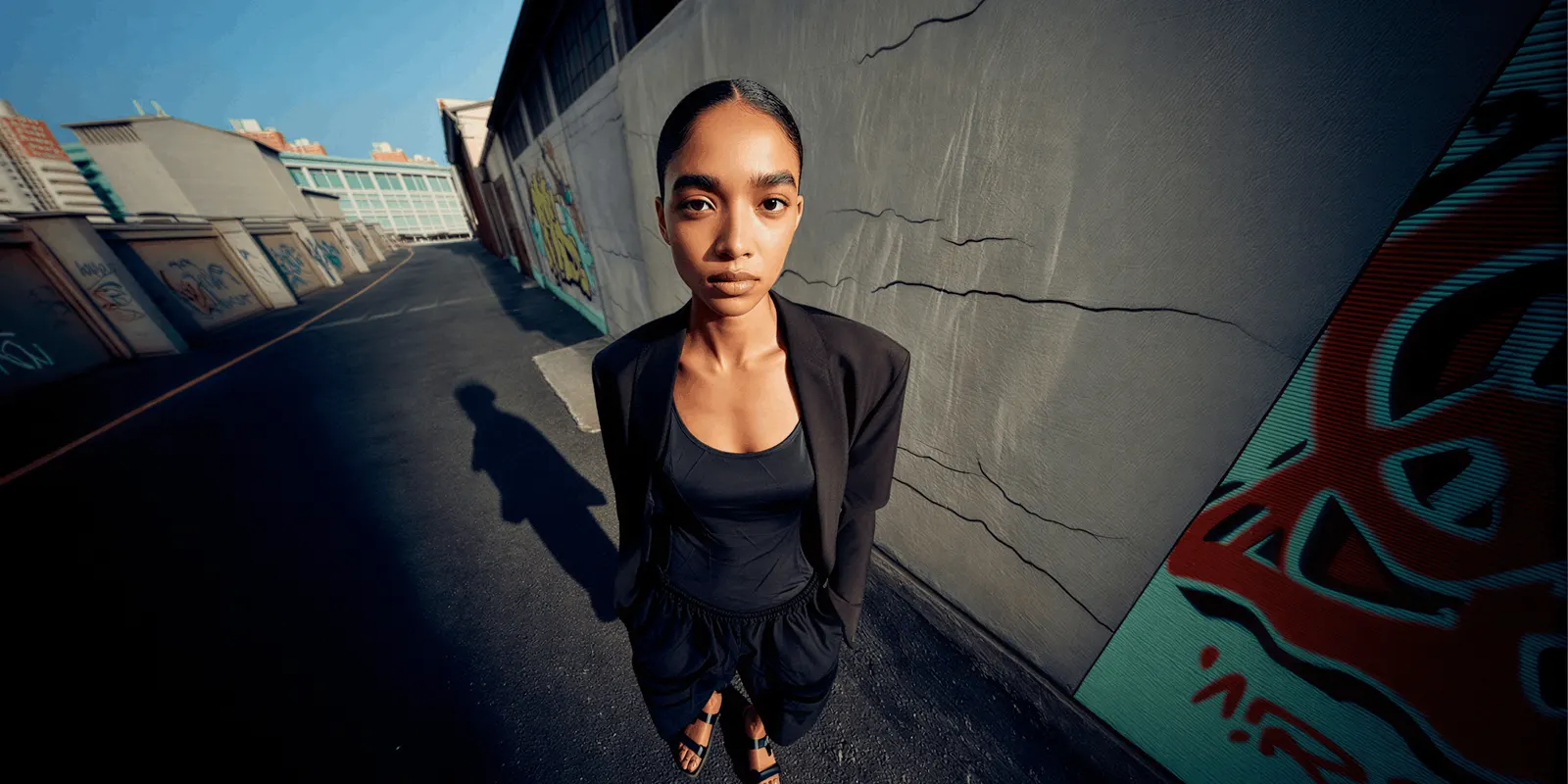
The best Depop photo tips come down to one look across your shop. Pick one ground, one square crop and one light direction. Then shoot the same four photos on every piece: the front, the back, the tag and every flaw. Depop shop photos are judged twice, first as a grid of tiles on your shop page and then as a single listing.
Many sellers only shoot for the listing. Depop’s 2020 seller photography guide said its most successful sellers had a consistent look and feel, using consistent poses, backdrops and lighting, so buyers could identify their shops in the app (Depop Seller Photography Guide, March 2020, archived copy, read September 2026).
That is the difference between a shop and a pile. A grid where every tile shares one background and one crop reads as a shop with a point of view. A grid where the ground changes every third tile reads as someone emptying a wardrobe.
The hard part is that you did not buy your stock as a set. You sourced it one piece at a time, from car boots, charity shops and bulk bags, over months. Every item arrived with different lighting attached to it. This guide covers how to impose one look across stock that has nothing in common, at the pace resale runs.
Key Takeaways
-
Four photos, not one. Depop’s 2020 guide named four: the front, the back, the tag where there is one, and close-ups of flaws or the design. Depop’s help center says the app takes up to four photos and one video, and the web takes up to eight photos (depophelp.zendesk.com, September 2026).
-
Model shots show fit. Depop’s 2020 guide said a model shot “gives buyers a better idea of how it fits”.
-
Depop’s 2020 guide named modeled shots and flat lays as the two most successful styles on Depop. Everything else is a variation on those.
-
The same guide told sellers what to avoid on the ground: dark colored backgrounds, bedsheets, and floors. Depop no longer hosts that guide, so treat it as old advice from Depop.
-
The grid is the product. One ground, one crop, one light direction, applied to every piece regardless of what the piece is.
-
Shoot every flaw on its own and never retouch it. Those close-ups are your evidence if a buyer opens a case.
-
Depop already ships AI in listings, on the text side. It launched AI-generated descriptions from a single photo on 12 September 2024 (news.depop.com, September 2024). The photography is still yours.
Depop photo tips from Depop’s own seller guide
Depop’s own photo tips come from a seller photography guide it published in March 2020. The old link now opens the Depop homepage, so we read an archived copy in September 2026. It is short and specific.
The guide names the four photos it wants: the front of the item, the back of the item, a tag photo where one applies, and detailed shots covering any flaws or a closeup of the design. That is a complete listing before you add any styling.
⚠️ Date the guide, because it is old. The PDF is dated March 2020. Depop has shipped a lot since, including AI-generated descriptions in 2024. The guide also gave figures for how much more often listings sell with more photos and with model shots. We leave those figures out, because Depop no longer publishes the guide and the numbers are six years old. For the current limit, Depop’s help center says you can add up to four photos and one video in the app, and up to eight photos on the web (depophelp.zendesk.com, September 2026).
On the ground itself the guide was clear. Use solid color backgrounds. Avoid dark colored backgrounds, bedsheets, or floors. Make sure the garment is fully visible in at least one photo, and that it is wrinkle-free. Shoot in indirect natural light to avoid shadows. For modeled shots, aim for a blank wall or a solid color background and avoid busy backgrounds that distract from the item.
How do you make a Depop grid look like one shop?
Pick three things and never change them again: one ground, one crop, one light direction.
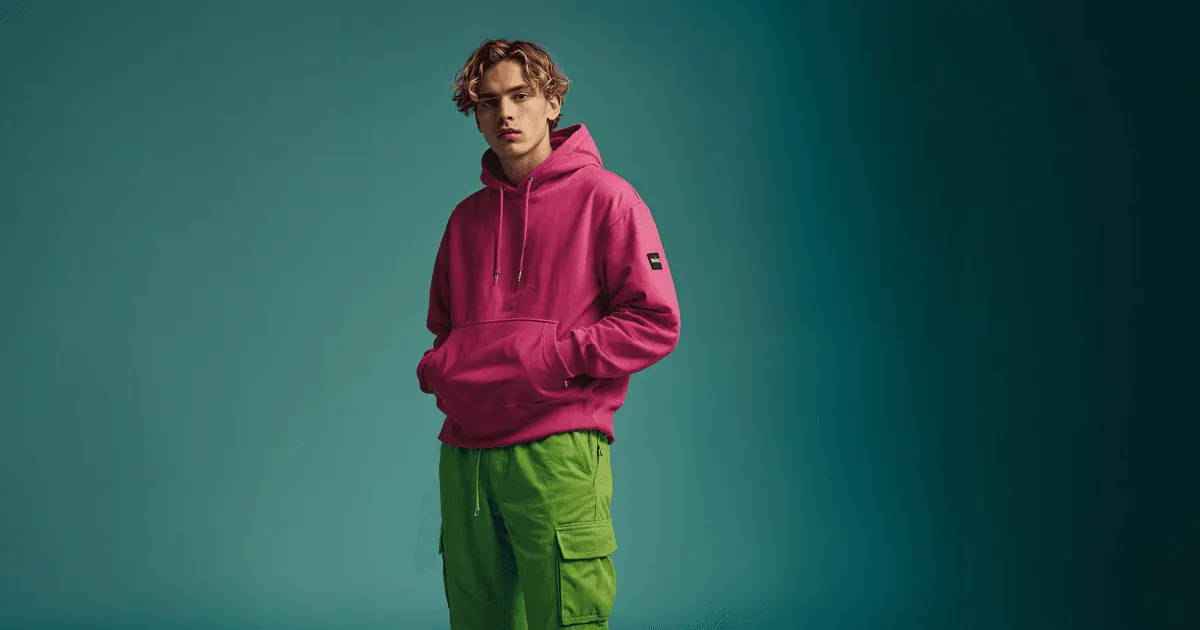
That is the entire method. It sounds too simple to matter until you look at two shops side by side. The one with a fixed ground reads as a brand with a point of view. The one without reads as a clear-out.
Write your three decisions down and stop making them per item:
| Decision | Fix it once as |
|---|---|
| Ground | One paper roll or card, same color every time. Not a bedsheet, not the floor |
| Crop | Square, item centered, same margin on every tile |
| Light | One window, same time of day, ceiling lights off |
| Format | Flat lay or modeled. Pick one as your default, not both at random |
| Photo order | Front, back, tag, then every flaw |
Locking the photo order matters more than it sounds. It removes a decision from every listing, and it stops you forgetting the flaw shots on exactly the item where they matter most.
The color of the ground is a brand decision, not a neutral one. Bone or warm gray flatters vintage and washed denim. A hard white flatters streetwear and anything with saturated color. Whatever you choose, choose once. Keeping fashion images consistent across a catalog covers the same problem at larger volumes.
How do you fix stock that was photographed in six different places?
You have back catalog shot under a kitchen bulb, at a friend’s flat, and outdoors in October. Reshooting all of it is not realistic. Three moves, in order of how much they cost you.
- Recrop everything to the same square with the same margin. Free, fast, and it does more for grid coherence than any color work. Inconsistent framing reads as chaos faster than inconsistent color does.
- Cut out and reground the worst offenders. Anything shot on a carpet, a duvet or a radiator gets lifted onto your standard ground. A clean background template does this one photo at a time, and our walkthrough of AI background removal covers where the edge quality breaks down, which on resale stock is usually fur, lace and fine straps.
- Reshoot the hero pieces only. Your ten highest-priced items earn a proper reshoot. The £8 t-shirts do not.
Whichever route you take, set it up once. Decide the ground, the crop and the light on one item. Save that as a workflow, then run the same workflow on the next piece you source. The workflow puts each item on the same ground, and that is what makes a grid read as one shop.
Color casts are the one thing to fix at the source rather than in an edit. A tungsten ceiling bulb turns a cream knit beige, and a beige photo of a cream knit is a “not as described” message waiting to arrive. Fixing bad product photo lighting covers what is recoverable after the fact and what is not.
Do you need a model, and what if you will not be one?
Depop’s 2020 guide said “nothing beats showing off your item with a model shot”, because it shows buyers how an item fits. Fit is the question a flat photo cannot answer, so it is the format worth solving.
The problem is that modeling every piece yourself means changing clothes forty times a week, in your own flat, with a self-timer. Depop’s 2020 guide suggested a self-timer remote for exactly this. Plenty of sellers do it and it works. Plenty of others will not be in front of a camera at all, and that is a legitimate constraint rather than a failure of effort.
The options:
- A hanger against your standard ground. Fastest. Shows the ground, not the fit.
- A dress form. Shows shape. Quick once the form stands in place.
- Self-modeling. Best evidence of fit and drape. The slowest, because every piece means a change of clothes.
- A generated on-model image built from the flat garment shot. No change of clothes, and the flat shot is one you were taking anyway.
The fourth is what a DesignerBox virtual try-on template does: you photograph the real garment flat, and the model is built around that garment. Two limits to plan around. Virtual try-on starts on the Premium plan, and the commercial license starts on the Pro plan. Plans and credits are on the pricing page. There is no single price for an image, because each model costs a different amount, so the cost of a run is shown before you press Run.
The rule that outranks the tier: a generated on-model image is a styling shot, not a condition shot. It sits in a detail slot next to real photos of the real item, never instead of them, and never as the only evidence of what you are selling. Putting clothes on a model with AI covers how much fabric texture survives, which is exactly what resale buyers zoom into.
Where is the line between styling a photo and misdescribing an item?
Changing the ground is presentation. Changing the garment is misdescription. That line is the whole ethics of resale photography and it does not move.
Resale sells one specific item in one specific condition. A brand can photograph one sample because every unit is identical. You cannot. Your photos are evidence about this exact piece, and a buyer opening a dispute will be looking at them. The same rule applies when you sell live on Whatnot.
Never edit out pilling, fading, a mark, a repair, a replaced button, a shortened hem or a missing belt. Keep one untouched close-up of every flaw, shot in the same light, cropped and nothing else. Those frames are your evidence if a buyer opens a case.
Vintage makes this sharper than ordinary resale, because age is the product. A 1990s jacket with honest wear is worth more described accurately than the same jacket photographed to look new. Photographing vintage clothing goes further into where correcting light ends and erasing age begins.
If you generate any image containing a person, the disclosure question is separate from the condition question and it is jurisdictional. Labeling AI-generated fashion images covers it, and if you sell into the EU, read that before you publish. Marketplace rules for AI product photos covers the published positions across platforms if you cross-list to Vinted, eBay or Poshmark.
Does Depop allow AI-generated listing photos?
We found no Depop help page written for AI-generated listing photos, as of September 2026. Two published rules still apply. Depop’s selling guide says to always use original photos, and that your listing will be removed if you use stock images (depophelp.zendesk.com, September 2026). Depop’s Terms of Service say you are responsible for the accuracy of your listing and any content you publish, including AI-generated content (depophelp.zendesk.com, September 2026). Depop has also published the other side of the same workflow: in September 2024 it launched a feature that writes an item description and fills in category, color, sub-category and brand from a single photo. Depop said the feature is available to all users in English-speaking countries (news.depop.com, September 2024).
Whatever the platform’s wording, the general obligation still applies: the listing has to represent the item you hold, in the condition it is in. A fully generated garment fails that. A restaged photograph of the real garment, next to honest condition shots, is a different case.
Depop’s 2024 feature automated the words. The photos are still yours to take.
If you also list to Vinted, check its rules before reusing the same files. The published position on all six resale apps is in how to take photos of clothes to sell online.
What does a Depop setup cost?
A small kit, and one decision about whether you need software at all.

The hardware list is short because Depop’s 2020 guide kept it short: cardstock, poster board or a solid color sheet for the ground, a soft box or ring light, and a self-timer remote if you model your own pieces. Add a phone tripod and you have the whole rig.
The software question only matters for two jobs: regrounding inherited photos, and putting garments on a body without being the body. DesignerBox has a free plan, so you can see how a run works. Uploading your own photos starts on the Pro plan.
Do the arithmetic against your average sale price before subscribing. Forty listings a week with one generated image each is about 173 images a month. The cost of each run is shown before you press Run, so you can check it against a plan allocation first. DesignerBox also has a page for e-commerce brands. For a one-person brand, the solo founders page starts from a phone photo of the real product. If your average piece sells for £15, a paper roll, a window and a dress form may be the entire correct answer.
An 8-second video clip costs 40 to 560 credits, depending on the model. AI video starts on the Premium plan. On a £15 listing, phone video is still the right call.
The image editor, the video editor, your brand rules and your Assets sit in the same place. The full workflow from the first product photo to the finished ad, in one subscription. You set the brand once. Every run after that reads the same record. A shop of different pieces then reads as one shop.
FAQ
How many photos can a Depop listing have?
Depop’s help center says you can add up to four photos and one video in the app, and up to eight photos on the web (depophelp.zendesk.com, September 2026). Depop’s March 2020 seller photography guide was built around four photos: front, back, tag, and detail or flaw shots.
What size should Depop photos be?
We found no Depop help page that gives a photo size, as of September 2026. Shoot square, with the same margin around every item. If the app crops a tile, the whole item stays in view, and it removes a crop step from every listing.
What background does Depop recommend?
Solid color. Depop’s 2020 guide told sellers to avoid dark colored backgrounds, bedsheets and floors for flat lays, and to use a blank wall or solid color background for modeled shots, avoiding busy backgrounds that distract from the item (archived copy, read September 2026).
Do I have to model my own clothes on Depop?
No. Depop’s 2020 guide said a model shot gives buyers a better idea of how an item fits. A dress form shows shape without you being in frame. A generated on-model image built from your flat garment shot is another route, provided it sits alongside real photos of the real item rather than replacing them.
Can I use the seller’s or brand’s original photos for a resold item?
For a secondhand piece, a brand’s catalog photo shows a different unit in different condition, so it cannot support the condition claim your listing is making. Your own photos of the actual item are what a buyer and a dispute both rely on.
Does Depop have an AI photo policy?
We found no Depop rule written for AI-generated photos, as of September 2026. Depop’s Terms of Service make you responsible for the accuracy of any content you publish, including AI-generated content, and its selling guide says to always use original photos (depophelp.zendesk.com, September 2026). Depop has shipped AI on the description side, writing item text and attributes from one photo since September 2024 (news.depop.com, September 2024). The obligation to represent the actual item in its actual condition is the one to work from.
How do I make my Depop shop look consistent when stock is all different?
Fix the ground, the crop and the light direction once, then apply them to everything regardless of what the item is. Depop’s 2020 guide said the same: its most successful sellers had a consistent look, and it recommended consistent poses, backdrops and lighting. Recropping your back catalog to one square is the cheapest single improvement available.
Sources
- Depop Seller Photography Guide, dated March 2020. Depop no longer hosts it at its old address. Archived copy on web.archive.org, read September 2026
- Depop help center, How to list an item, photo limits in the app and on the web: depophelp.zendesk.com, read September 2026
- Depop help center, Selling on Depop, original photos and stock images: depophelp.zendesk.com, read September 2026
- Depop Terms of Service, responsibility for AI-generated content: depophelp.zendesk.com, read September 2026
- Depop launches AI-powered listing from one photo, Depop newsroom, 12 September 2024: news.depop.com, read September 2026
This is general information, not legal advice. Depop’s photography advice is quoted from its March 2020 seller guide, read in an archived copy because Depop no longer hosts it. The AI description feature is dated from Depop’s September 2024 announcement. Photo limits, the original photo rule and the AI content terms come from Depop’s help center, read in September 2026. DesignerBox plans and credits from the DesignerBox pricing page (designerbox.ai/pricing), September 2026.