Kling 2.6 prompt library
Kling is strong on human motion and image-to-video. It keeps a starting frame stable while animating believable movement, which makes it a workhorse for UGC and product-in-hand shots. Prompts do best when they describe the motion you want added to a frame: what moves, how fast, and where the camera goes.
What makes a good Kling 2.6 prompt?
For Kling 2.6 image-to-video, prompt the motion and not the scene. The starting frame already carries the setting, so describe only what should move ("she turns to camera and smiles, hair shifting"), name one camera behaviour, and close with a guard such as "natural hands, consistent face, no distortion".
Image-to-video changes what a prompt is for. With text-to-video you are describing a world; with Kling and a starting frame, the world already exists and the prompt is a direction to the performer. Re-describing the kitchen, the wardrobe and the lighting wastes the instruction budget and sometimes fights the frame. Say what moves, in what order, and stop.
Hands are the reliable failure point, and small gestures are the reliable fix. Kling handles a nod, a turn, a lift and a slow rotate convincingly; it struggles with fast complex hand work. Keep the action human-scale, add a short guard line, and generate a few takes rather than trying to engineer a perfect single pass. This is the model most UGC ad work runs on, and the Kling 2.6 Pro model page covers the image-to-video specifics.
The anatomy of a Kling 2.6 prompt
For image-to-video, three parts and nothing else. The frame supplies everything you would otherwise describe.
- 1Source
A pointer to the frame, so the model knows not to reinvent it. "From the provided frame of a woman holding a skincare bottle:".
- 2Motion
What moves, in order, at human scale. "she brings the bottle up near her face, glances at it, then looks to camera and gives a small approving nod".
- 3Camera
Exactly one behaviour. "subtle handheld drift".
- 4Guard
The short protection line. "Keep the same face and wardrobe, natural hands, no distortion."
From the provided frame of a woman holding a skincare bottle: she brings the bottle up near her face, glances at it, then looks to camera and gives a small approving nod, natural micro-expressions, subtle handheld drift. Keep the same face and wardrobe, natural hands, no distortion.
What to swap in every prompt
Change one of these at a time. Changing several at once makes it impossible to tell which edit improved the result.
| Variable | Options to try |
|---|---|
| Gesture | a small nod, a slow turn toward camera, lifting the product, a half-smile, a glance off-frame and back |
| Camera | static, subtle handheld drift, slow zoom in, slight push toward the subject |
| Pace | unhurried, real time, slightly slow, a single deliberate beat |
| Guard | natural hands, consistent face, no distortion, no morphing, stable product geometry, no smoothing |
How to write great Kling 2.6 prompts
Four rules that make the difference between a flat result and a usable one.
For image-to-video, describe what should move ("she turns to camera and smiles, hair shifting"), not the whole scene the frame already shows.
Kling handles natural human motion well. Ask for realistic, small gestures rather than dramatic action, and it stays stable.
Pick a single camera action (slow zoom, gentle handheld drift, static). One behaviour keeps the animation clean.
Add "natural hands, consistent face, no distortion" to the tail. Hands are the usual failure point and a short guard cuts most of it.
12 Kling 2.6 prompts to copy
Tap copy on any card, paste it into DesignerBox, and generate. Tweak the details to fit your product.
Talking UGC, image to video
UGCFrom the provided frame of a woman holding a skincare bottle: she brings the bottle up near her face, glances at it, then looks to camera and gives a small approving nod, natural micro-expressions, subtle handheld drift. Keep the same face and wardrobe, natural hands, no distortion.
Product in hand rotate
ProductA hand slowly rotates a matte cosmetics jar toward the camera to reveal the label, soft studio light, gentle reflection travelling across the lid, shallow depth of field. Camera static, realistic hand motion, stable product geometry, no warping of the label.
Hair and fabric motion
FashionA model in a flowing beige dress turns on the spot, the fabric and hair catching the movement and settling naturally, warm side light, slow controlled spin. Camera holds with a slight push in, consistent face, natural cloth physics, no limb distortion.
Cafe candid, subtle
LifestyleA man at a cafe table lifts a coffee cup, takes a sip, and sets it down while glancing out the window, warm window light, believable relaxed pacing, gentle handheld feel. Same face throughout, natural hand and arm motion, no morphing.
Pet reaction, playful
UGCFrom the provided frame of a cat on a couch: the cat perks its ears, tilts its head toward the camera, and blinks slowly, cosy indoor light, minimal camera drift. Realistic fur and eyes, natural motion, no extra limbs.
Unbox reveal
EcommerceHands open a small premium box on a marble counter and lift out a folded silk scarf, letting it unfurl gently, soft daylight, camera slightly above looking down. Natural hand motion, realistic fabric fall, stable framing, no distortion.
Swatch on skin
BeautyFrom the provided frame of a forearm with three cream swatches: a fingertip enters and blends the middle swatch in a small circular motion until it disappears into the skin, soft even beauty light, camera static and close. Real skin texture, natural finger motion, no smoothing, no extra fingers.
Try-on turn, fashion
FashionFrom the provided frame of a woman in a knit sweater: she turns forty-five degrees to show the shoulder and sleeve, hair moving with the turn, then settles and looks back to camera, soft daylight. One slow turn, consistent face and garment, natural fabric behaviour, no limb distortion.
Pour into glass
FoodA hand tilts a bottle and pours a chilled drink into a tall glass over ice, the liquid rising and settling with a small head of bubbles, condensation forming on the glass, warm side light, camera static at counter height. Realistic liquid physics, natural hand motion, stable glass geometry.
Desk demo, screen tilt
ProductFrom the provided frame of a laptop on a desk: a hand reaches in and tilts the screen slightly toward the camera, then withdraws, dust visible in the window light, everything else still. One small deliberate motion, natural hand, stable screen geometry, no warping of the interface.
Walk into frame
LifestyleA woman in a camel coat walks into an empty frame from the left, stops in the centre, and turns to look toward the camera, warm late-afternoon light from behind her, camera locked-off. Natural gait and a believable stop, consistent face and wardrobe, no limb distortion.
Candle and steam, still life
AmbienceFrom the provided frame of a lit candle beside a mug: the flame flickers gently and steam curls upward from the mug, everything else completely still, warm low light, camera static. Believable flame and steam behaviour, no drifting background, no flicker in the frame itself.
One prompt, four variations
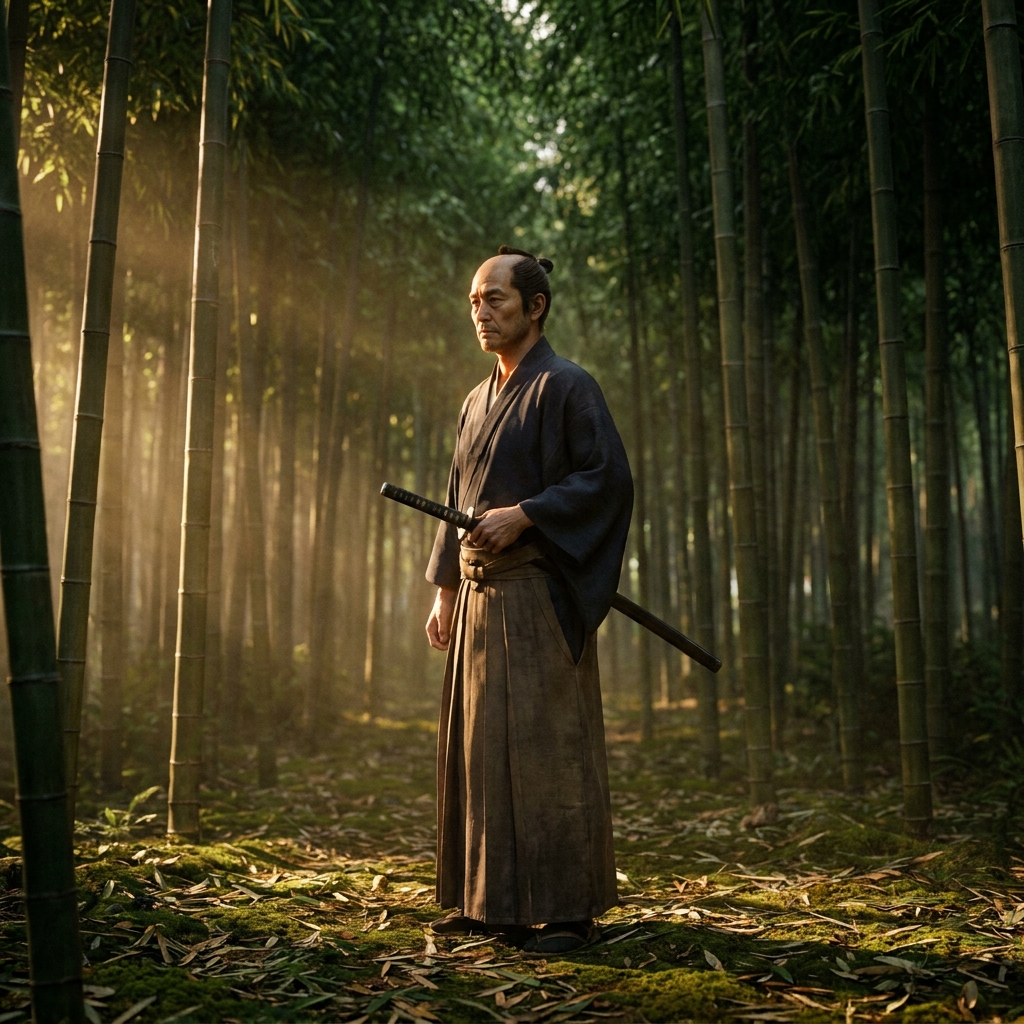
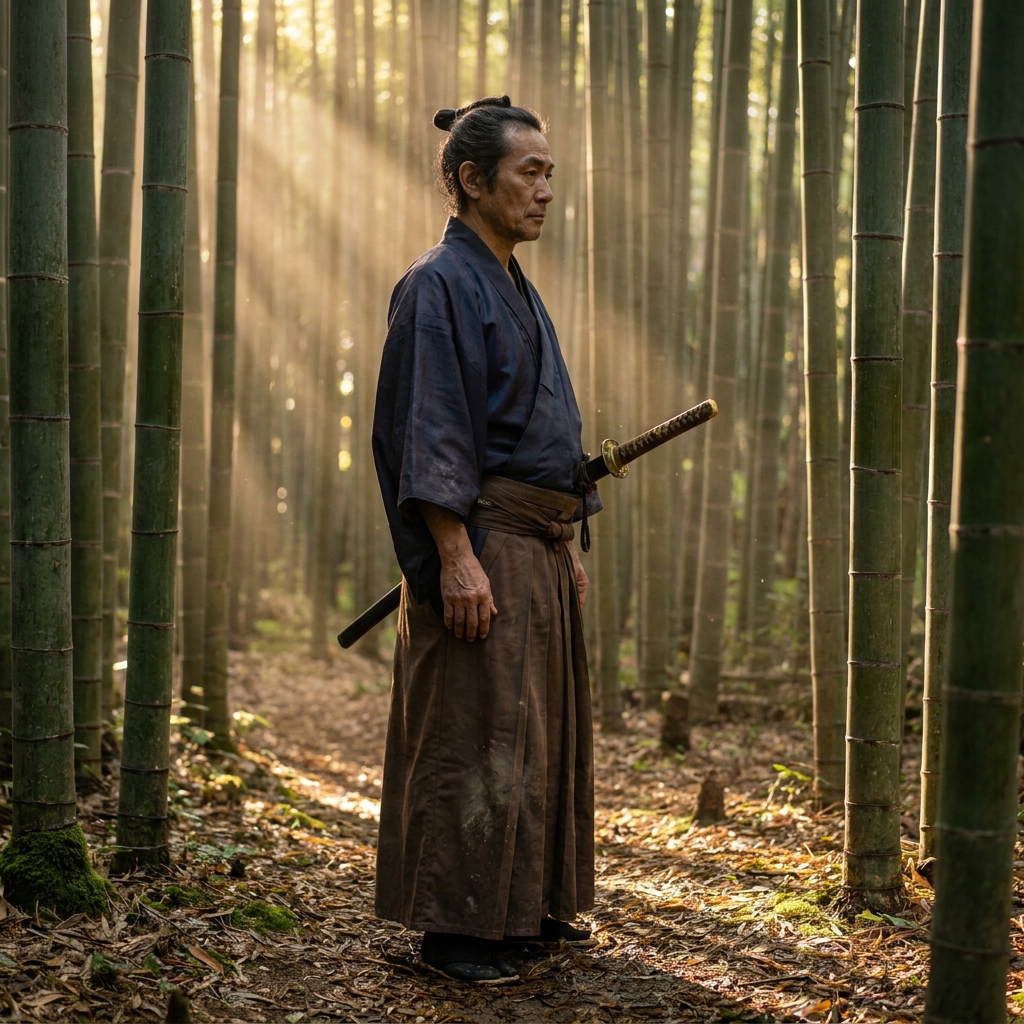
The same prompt run four times on Kling 2.6. Generate a spread and keep the strongest, rather than trying to engineer one perfect pass.


Three mistakes that ruin Kling 2.6 prompts
The failure modes that come up most often, and the one-line fix for each.
In image-to-video, describing the room and the wardrobe again competes with the source image. Point at the frame, then talk only about motion.
Typing, gesturing rapidly, or handling several objects at once is where Kling breaks. One slow deliberate hand action per clip holds together.
Generate three or four and pick. Kling is fast enough that selection beats prompt engineering for human motion.
More prompt packs
Packs that pair well with this one.
Seedance 2.0
Camera-directed video prompts built in four layers, with a constraint tail that cleans up warping. The precision pick when you know the exact move you want.
View 12 promptsUGC ads
Hook, demo, proof and reaction beats written to look filmed on a phone. Includes the anti-polish rules that stop an AI creator reading as a glossy commercial.
View 12 promptsVeo 3.1
Shot-list style prompts with real film language and a soundscape line, because Veo is the model that generates synced audio alongside the picture.
View 12 promptsKling 2.6 prompts, answered
Six questions that come up most often when people start prompting Kling 2.6.
What is Kling 2.6 best at?
How should I prompt image-to-video in Kling?
Why do the hands look wrong?
What makes a good starting frame?
Kling or Seedance for UGC?
Where do I run Kling prompts?
Run these prompts in DesignerBox
Copy any prompt above, then generate it with the model of your choice. Free credits to start.