
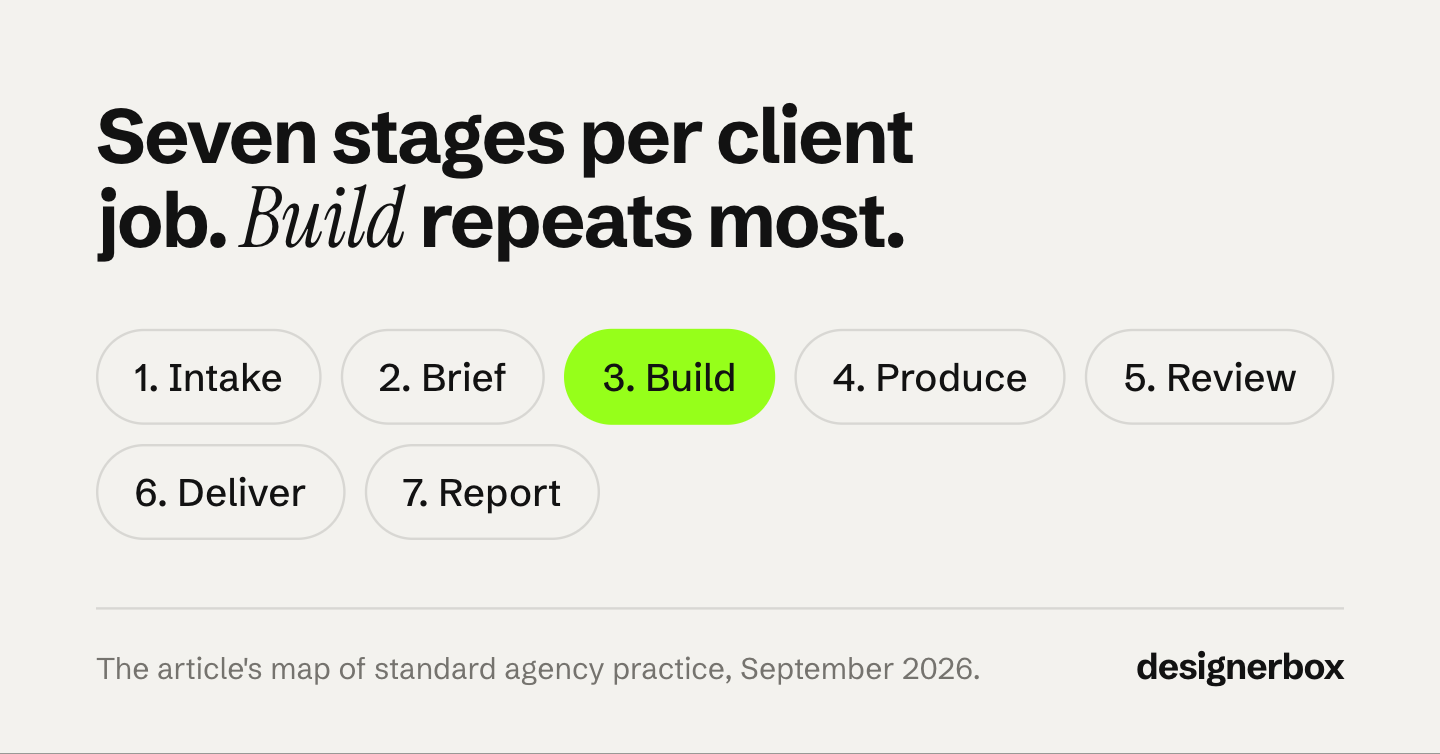
An agency workflow is the fixed path every client job follows, from the first request to the report. A creative agency workflow usually has seven stages: intake, brief, build, produce, review, deliver and report. In each stage, most of the work repeats for every client and every month. The hours go where a team rebuilds that repeated work by hand on a fixed fee.
Take a six-person agency with twelve client brands. Every month, each client sends new products. Each product needs the same set: a hero shot, two angles, three ad sizes and a line in the report. The client pays a fixed fee, so every hour spent rebuilding last month’s setup is an hour nobody bills.
This guide is for performance and creative agencies of 3 to 15 people with many client brands. DesignerBox for agencies covers the production side of that work. Below are the seven stages, what repeats in each, where the hours go on a retainer, and how to template the repeat work for each client.
Key Takeaways
-
Seven stages, one path. Intake, brief, build, produce, review, deliver and report. Every client job follows them, whatever the deliverable.
-
Most of each stage repeats. The brand, the sizes, the review checks and the report layout stay the same every month. The products and the message change.
-
Fixed fees make repeat work expensive. In a 2025 survey of 273 agency managers and executives, 57% lose between $1,000 and $5,000 each month on unbilled work. 78% rarely or only sometimes charge for work outside the scope.
-
Template the repeat part per client. One brief per job, one brand record per client, one saved setup per job. Next month starts from the saved version.
-
Cap the rounds in the contract. Write the number of rounds into the contract, and bill every round after it.
-
Tools cover different stages. A project board runs intake and status. A production tool runs build and produce. One does not replace the other.
What is an agency workflow?
An agency workflow is the set of stages a client job passes through inside an agency, with one owner for each stage. It turns a client request into delivered files and a report. A project workflow covers one job. The agency version covers every job for every client, so the same stages run many times each month.
Agency workflow management is the tooling and the habits that keep that path moving: request forms, project boards, time tracking, file storage, review and reporting. The workflow is the path. The management is how you see where each job sits on it today.
Creative agencies carry one extra problem. A creative production workflow makes files, and every file carries a client’s brand. So the path has to keep each client’s look separate as well as on time. Managing creative for multiple clients covers that separation in detail.
The 7 stages of a creative agency workflow
The seven stages are intake, brief, build, produce, review, deliver and report. Intake and brief decide what the job is. Build and produce make it. Review and deliver get it approved and sent to the client. The report closes the month and feeds the next intake, so the path is a loop.
| Stage | What happens | Who usually owns it | What repeats every month |
|---|---|---|---|
| 1. Intake | The client sends a request: new products, a launch date, a campaign | Account lead | The request form and the file checklist |
| 2. Brief | The team writes what to make, for whom, in which sizes | Account lead or strategist | The deliverable list, the sizes, the brand rules |
| 3. Build | The team prepares the setup: layouts, references, brand files | Designer or producer | Almost all of it, when the client stays the same |
| 4. Produce | The team makes the files | Designer, editor or producer | The steps. Only the products change |
| 5. Review | An internal check, then the client’s approval | Creative lead, then the client | The checklist and the number of rounds |
| 6. Deliver | Files go to the client, the shop or the ad account | Producer or account lead | File names, formats and the folder |
| 7. Report | The team shows the client what ran and what worked | Account lead or analyst | The report layout and the metrics |
On repeat client work, the build stage is where the saving sits. A team that builds the setup once and saves it skips most of stage 3 from the second month onward.
Review happens twice: once inside the agency, then with the client. AI has made the internal check bigger. In the AgencyAnalytics 2026 benchmark, 58% of agencies said they have increased human review of AI-made work (agencyanalytics.com, September 2026).
The report sets the rhythm. The same survey found that 69% of agencies report to clients monthly. That makes the month the natural unit for the whole loop, and the natural unit for a template.
Where do the hours go on a fixed-fee retainer?
On a fixed fee, the hours go to work nobody priced. A designer rebuilds last month’s setup. A third revision round happens and nobody bills it. Files move between tools by hand. Someone copies numbers into the report. Each one is small on one job. Across twelve clients and a month of jobs, it is the margin.

Survey data agrees. In Ignition’s 2025 Agency Pricing and Cash Flow Report, a survey of 273 agency managers and executives, 57% said they lose between $1,000 and $5,000 each month on unbilled projects and tasks. Another 30% put the loss above $5,000. And 78% said they rarely or only sometimes charge for out-of-scope work (ignitionapp.com, May 2025).
The same survey shows why this hurts. Only 28% of those agencies bill mainly by the hour. Fixed packages or subscriptions (28%), project pricing (25%) and retainers (10%) cover most of the rest. On those models, an extra hour has no invoice behind it.
Clients add pressure too. In the AgencyAnalytics 2026 benchmark, a survey of 494 agency professionals from February to April 2026, 44% said clients now expect faster turnaround than a year ago. Managing time and billable expenses was the top team challenge, named by 28%, up from 24% in 2025 (agencyanalytics.com, September 2026).
| Where the hours go | Stage | What it looks like | The fix |
|---|---|---|---|
| A rebuilt setup | Build | A designer recreates last month’s layout, crops and colors from memory | Save the setup once per client and per job |
| Rounds nobody priced | Review | Round three happens and nobody bills it | A round cap in the contract and a written brief |
| Hand transfers between tools | Produce, deliver | Files are exported, renamed and uploaded again at each step | Fewer tools between steps, one naming rule |
| A report built by hand | Report | Numbers are copied into slides every month | A fixed report layout, filled from the data |
Here is an illustration, not a measurement. Say each of 12 clients has four recurring jobs a month, and each job loses one hour to the four leaks above. That is 48 hours a month. At the US median pay for graphic designers, $30.27 an hour in May 2025 (bls.gov, September 2026), the wages alone are about $1,453. The rate you bill the client is higher, so the lost revenue is higher too.
What repeats for each client, and what changes
In a monthly client job, the brand, the deliverable list, the sizes, the review checklist and the report layout repeat. The products, the offer, the season and the message change. Template the first list once per client. Spend the paid hours on the second list, because that is the work the client sees.
| Repeats every month (template it once) | Changes every month (spend the hours here) |
|---|---|
| The client’s colors, fonts, logo and tone | The products in this month’s drop |
| The deliverable set: which shots, which sizes | The offer, the season, the headline |
| The approved reference look | The new ideas you test this month |
| The review checklist and the round cap | The client’s comments on this set |
| File names, formats and the delivery folder | Which results the client keeps |
| The report layout and the metrics | What the numbers say this month |
The left column matters more each year, because the number of files per client grows. Meta wrote in December 2025 that creative diversification “would generate two distinctly different pieces of creative”, where iteration only changes the text or the call to action (facebook.com/business, December 2025). TikTok recommends 3 to 5 creatives per ad group and 3 to 5 ad groups per campaign (ads.tiktok.com, updated June 2025). That is 9 to 25 creatives for one campaign. Why one product becomes many files shows how fast the count grows, and creative assets by type and count shows what one Google campaign takes.
More files on the same fee means the left column has to cost less each month.
How to template the repeat work for each client
Templating means you build each recurring job once, get it approved, and save the approved version. The next month starts from that version. Start with the client whose monthly job repeats the most.
- List the jobs you run every month. For each client, write down the recurring jobs: the new-product set, the monthly ad refresh, the seasonal banner. A one-off campaign does not need a template.
- Write one brief per job, once. Keep it to one page. The one-page creative brief needs six fields, and it is written to prevent the third round.
- Save one brand record per client. Colors, fonts, logo, tone and a few pictures the client has already approved. How to keep every client in their own look shows this in five steps. A brand guidelines template lists the rules to write down.
- Build the job once and save it. Run it, take the result through the client’s approval, then save the steps that made the approved result. That saved version is now the record of what the client approved.
- Give the run to a colleague. A junior should not need to open the setup. A short form with the product photo and the client name is enough. Some agencies give this stage to a studio that sells white label creative.
- Cap the rounds in the contract. Write the number of rounds into the contract and the brief, and bill every round after it. The third revision round has three clauses that do this.
- Price the deliverable, not the hour. When production gets faster, hourly billing pays you less for the same work. Agency creative pricing compares four models for that change.
Month two shows whether it worked. The build stage is short because the setup already exists, and review compares each result with the approved reference. The AI creative workflow guide shows how to chain the build and produce steps.
Agency workflow management tools by stage
No single tool runs every stage well. Many agencies use a project board for intake and status, a time tracker for the hours, shared storage for files, a production tool for build and produce, and a reporting tool for the monthly report. Map each stage to one tool. Then write down where files move between tools, because each move costs time.
| Stage | Tool type | What to check before you buy |
|---|---|---|
| Intake, brief | Project board or request form | Does a client request create a task with the files attached? |
| Build, produce | Production tool | Does it save a setup per client and run it again on new products? |
| Review | Comments on the project board, or a proofing tool | Is there one place where the final approval is recorded? |
| Deliver | Shared storage | One naming rule and one folder per client |
| Report | Reporting dashboard | Does it fill the same layout each month from the data? |
| All stages | Time tracker | Does it split hours by client and by stage? |
The time tracker matters more than it looks. In the AgencyAnalytics survey, 68% of agency owners and leaders said their team spends 60% or more of its time on billable client work. The rest is where the four leaks sit. You only see which stage takes it when you log hours by stage.

Write the seven stages down before you pick the tools. Then each stage tells you which tool it needs.
The build and produce stages in DesignerBox
Anyone can make an AI picture. Making hundreds that still look like your brand is the hard part. An agency has to do it for twelve brands at once.
DesignerBox is AI creative production for brands and agencies. It covers the build and produce stages. You save each client’s brand once: logos, fonts, palette and rules. You build a job once as a workflow, and the workflow reads that client’s brand on every run. A saved workflow runs the same way on the next product, and batch runs it over the whole sheet at once.
You publish a workflow as an app. An app is a workflow with a form. A colleague completes the form and presses Run. The colleague never opens the workflow.
In batch, each product is a row. You keep or discard per row, and re-run one row alone. Three critic steps score the results, and best-of-N keeps the best one. Your team still checks every result against the real product. The cost is shown before each run, so you know the production cost of a fixed-fee job before it starts.
The full workflow from the first product photo to the finished ad, in one subscription. DesignerBox also has 68 tools over MCP, so an AI chat such as Claude, ChatGPT or Cursor can run the same workflows. DesignerBox for agencies shows one workflow for each client brand.
Here are the limits. DesignerBox does not run intake, time tracking or the monthly report. It does not publish into a shop or an ad account. You download the results, or send them with a webhook or an S3 step. Uploading your own photos and the commercial license start on the Pro plan. AI video, virtual try-on, upscaling, the image editor and the video editor start on the Premium plan. Team features, shared brand kits and white label are on the Ultra plan, and every plan below Ultra is one seat. The agency partner program adds onboarding for your team and help with your first client brands.
Scale content without limits.
Generate content for your products or services with AI, starting today, and keep your brand on every piece. Bring one monthly client job to a call and see it built as a workflow. Book a demo
FAQ
What are the stages of an agency workflow?
There are seven stages: intake, brief, build, produce, review, deliver and report. Intake and brief define the job. Build and produce make the files. Review and deliver get them approved and to the client. The monthly report closes the loop and feeds the next intake.
What is the difference between an agency workflow and a project workflow?
A project workflow covers one job from start to finish. The agency version covers every job for every client, so the same stages run many times a month. That repetition is why agencies template the parts that stay the same, such as the brand, the sizes and the report layout.
How do agencies manage workflows for many clients?
They keep the stages the same for every client and the inputs separate. Each client gets one brand record and one saved setup per recurring job. The method is shared. One client’s settings never reach another client.
Where do agencies lose hours on fixed-fee work?
On fixed-fee work, the hours go to rebuilt setups, unpriced revision rounds, hand transfers between tools and reports built by hand. In Ignition’s 2025 survey, 57% of agencies said they lose between $1,000 and $5,000 each month on unbilled work.
Can AI tools replace agency workflow software?
No. They cover different stages. A project board runs intake, status and deadlines. A production tool makes the files. Many agencies need both, plus a time tracker and a reporting tool.
How do you know if your workflow is working?
Track three numbers per client: hours per deliverable by stage, revision rounds per job, and days from intake to delivery. If the build stage still takes hours in month three, the setup is not saved yet.
Sources
- Ignition, 2025 Agency Pricing and Cash Flow Report, survey of 273 agency managers and executives: ignitionapp.com, May 2025, accessed September 2026
- AgencyAnalytics 2026 Marketing Agency Benchmarks Report, 494 agency professionals surveyed February to April 2026: agencyanalytics.com, accessed September 2026
- US Bureau of Labor Statistics, Occupational Outlook Handbook, Graphic Designers, median pay $30.27 an hour: bls.gov, May 2025 data, accessed September 2026
- Meta for Business, “Demystifying creative diversification”: facebook.com/business/news, December 2025, accessed September 2026
- TikTok Ads Help Center, Creative best practices: ads.tiktok.com, updated June 2025, accessed September 2026
- DesignerBox for agencies and the agency partner program (designerbox.ai/for/agencies and designerbox.ai/agency-partners), September 2026: plan gates and seats
Agency survey data verified from Ignition and AgencyAnalytics, wage data from the BLS, and platform guidance from Meta and TikTok as of September 2026. Individual results vary.