To animate a photo with AI, upload it to an image-to-video model and prompt one motion. The model treats your photo as the first frame and generates forward. It copies what the frame shows and invents what the frame hides. So pick a motion the photo can support, like hair, steam, fabric, light or a slow push in.
Most bad AI photo animation is a motion request that needed more invention than the photo could fund. You upload a clean packshot and ask for a slow orbit around the bottle. What comes back has a label that slides, a back half that never existed, and a shadow pointing the wrong way. So you rewrite the prompt, shorten it, add the word photorealistic, and pay again for the same failure.
The prompt was not the problem. An orbit asks the model to render three quarters of an object it has never seen. This guide gives you the test to run before you spend anything. What does this motion force the model to invent, and does the photo contain enough to answer that?
Key Takeaways
- The first frame is a hard constraint. Camera-control research splits the output into regions “visible in the conditioning image, which is generally deterministic” and “hallucinated or occluded areas” (CamPilot, arXiv:2601.16214). Your photo decides which is which.
- Every motion is an invention request. Ambient movement asks for nothing new. An orbit asks for most of an object. Price the request before you write it.
- Occlusion is the budget. Whatever the move would reveal is exactly what the model has to make up, and it makes it up again on every frame.
- Match the motion to the axis the photo already has depth on. A push-in needs foreground and background separation. A pan needs scene continuing past the crop. A cut-out on white has neither.
- One motion beats two. Combining a camera move with complex subject action gives the model two independent problems in the same frames, and both degrade.
- Decide it in stills. An image run costs less than even the cheapest 8-second clip, and an 8-second clip costs 40 to 560 credits, depending on the model. The cost is shown before the run. Being wrong in the cheap medium is the whole game.
What happens when you animate a photo with AI
Image-to-video conditions generation on your still. The model receives the photo as frame one, then predicts each following frame. Where a pixel has a clear correspondence back to the source image, the model has something to hold onto. Where it does not, the model generates freely, and it regenerates that region on every subsequent frame rather than remembering what it chose.
That split is how the systems are built and evaluated. The EPiC camera-control method constructs its training signal by “masking the source video based on first-frame visibility”, and states the rule plainly: “Pixels with no valid correspondence in the first frame are masked out” (arXiv:2505.21876, 2025).
Two consequences follow, and they drive everything below. Regions your photo shows are stable. Regions your photo does not show are re-invented frame by frame, which is what drift, warping, and sliding labels are.
Why the prompt gets the blame and the photo is the cause
An animated photo warps where the motion reveals something the photo does not show. Prompt guides are useful, and they come after that choice. They tell you to pick one primary movement, to match motion to composition, and to keep the wording short. Those rules work, but they are described as style preferences rather than as consequences of a mechanism, so they are easy to apply in the wrong order.
The mechanism is visibility. When a paper on single-image novel view synthesis describes the task, it names the difficulty as “unobserved elements within the scene (i.e. occlusion) and outside the field-of-view”, and the model’s job as “interpolating visible scene elements, and extrapolating unobserved regions” (Yu et al., arXiv:2304.10700, 2023).
Interpolating visible elements is cheap and reliable. Extrapolating unobserved regions is neither. A prompt cannot move a region from the second category to the first. Only a different photo, or a different motion, can do that.
This is also why re-rolling rarely fixes an orbit. Each re-roll samples for a luckier hallucination of a surface that was never photographed.
The invention test
Before writing the prompt, answer one question about the motion you want: at the last frame of this clip, what is on screen that was not in my photo?
Three outcomes.
Nothing new is on screen. The motion only moves things the photo already contains. This is the safe zone and it covers more than people expect: hair, fabric, steam, liquid surfaces, foliage, reflections, and light direction all live here.
A little is new, at the edges. A gentle push in pulls the frame border inward and reveals nothing, though it does ask for mild parallax between planes. A slow pull back adds a margin of new environment. Workable when the photo has genuine depth and context.
Most of the frame is new. An orbit, a subject turning, a walk-through, a big pull back from a tight crop. The model is now the author of the majority of what you see, and it authors it independently on each frame.
Run the test. The answer is usually visible in the photo itself, and it takes about five seconds.
Four things to read in a still before you animate it
Depth separation. Does the image have distinct foreground, subject, and background planes? A camera move through a scene only reads as a camera move if planes shift against each other at different rates. A flat, evenly lit product on a plain sweep backdrop has one plane, so a push in reads as a crop and a zoom rather than a move.
Occlusion. What is hidden, and would your motion reveal it? A bottle photographed straight on hides its back label. A model photographed from the front hides the rear of the garment. Every degree of rotation you request is a request to author that hidden area. For a garment on a model, the photos each motion needs are listed in how to make a virtual try-on video.
Motion already implied. Look for anything caught mid-movement: loose hair, a draped fabric edge, steam, a poured liquid, condensation, leaves. These elements are visible, so animating them costs almost nothing in invention, and they read as life because a human eye expects them to move.
Edge clarity and context. A cut-out on pure white has no environment to move through and no parallax available. It animates well in place, with light shifts and subtle rotation of a few degrees. It does not animate well with camera work, and the corpus of guidance suggesting otherwise is written for scene photography. Interiors sit at the opposite end of that scale, which is why generating property clips from listing photos rewards short takes and modest moves. The full sequence, from correcting the stills to stitching the clips, is in how to make a real estate video from listing photos.
Resolution matters here too, though less than the four above. Start from the largest clean file you have. If the only asset is a compressed marketplace thumbnail, upscale it first rather than asking the video model to resolve detail that is not in the source.
Motion ranked by what it forces the model to invent
| Motion | What the model must author | Invention cost | Reliable on |
|---|---|---|---|
| Ambient motion in place: hair, steam, fabric, liquid, foliage | Nothing. Every element is already visible | Lowest | Almost any photo |
| Light shift or grade change | No new geometry, only relighting of visible pixels | Low | Any photo with a readable light direction |
| Slow push in | Mild parallax between existing planes | Low to moderate | Photos with real depth separation |
| Pan or tilt | Whatever continues past the current crop | Moderate | Wide scenes with context on that axis |
| Pull back | A surrounding environment that was never shot | High | Photos already showing their setting |
| Orbit or arc around a subject | The unseen sides of the subject | Highest | Very little, from one still |
| Subject turning toward camera | The unseen side of a face, garment, or pack | Highest | Use a reference set instead |
The practical read: the top three rows deliver most of the perceived production value at a fraction of the failure rate. A packshot with a slow light sweep and a hint of condensation looks expensive. The same packshot mid-orbit looks like a rendering error, and costs the same per second either way.
When a shot genuinely needs the bottom rows, stop asking one photo to supply it. Generate the additional angles as stills first, approve them, then animate each approved frame. That two-hop pipeline is covered in full in turning one product photo into a video ad.
What each photo type can support
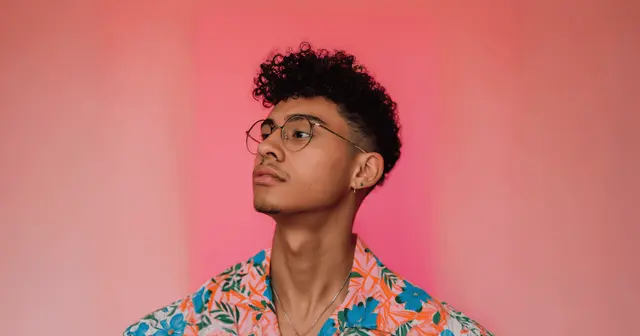
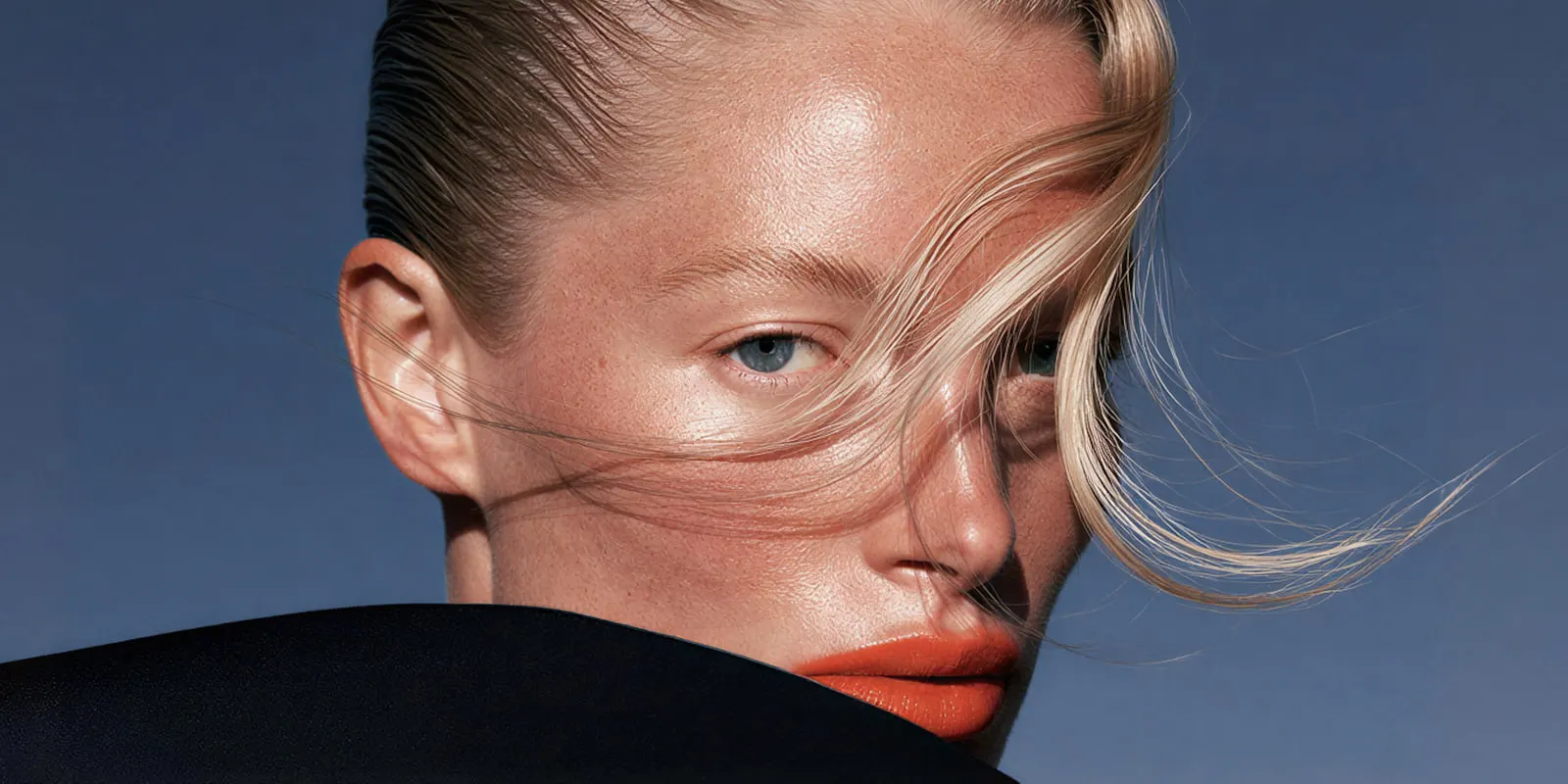
Portraits and on-model shots. Strongest candidates for ambient motion. Breath, a blink, hair settling, a shoulder shifting weight, fabric moving. Keep the head rotation small. Human faces are where viewers detect error first, and a turn asks for the unseen half of a face. Longer takes compound the problem, which is covered in why AI human movement reads fake.
Product packshots. Light is the free lever. A sweep across a glossy surface, a shifting specular highlight, a slow reveal of a shadow all move without authoring geometry. Rotation is the expensive lever and should stay within a few degrees unless you have reference images of the other faces. The other rules that decide whether a product clip works are in AI product video.
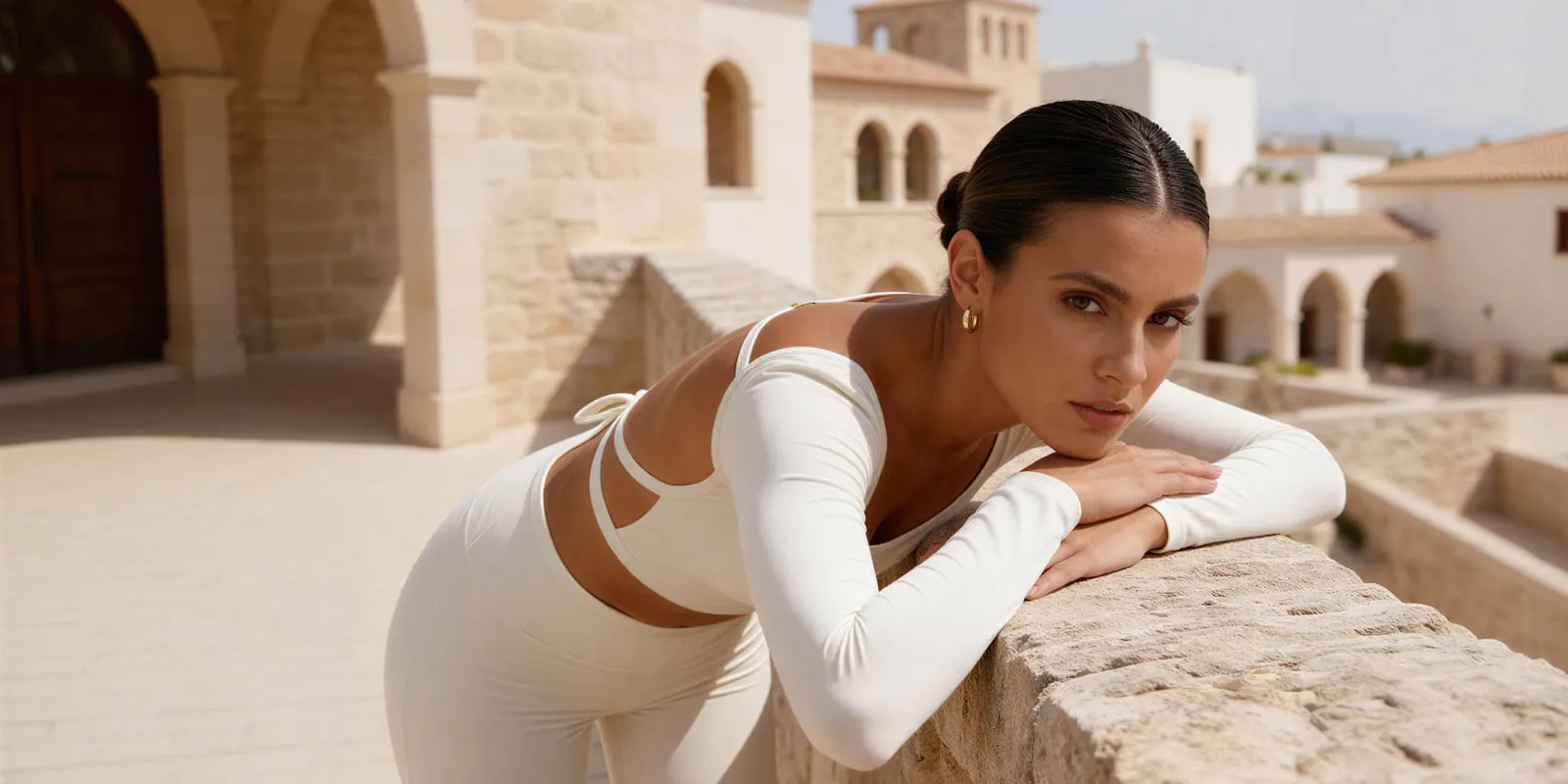
Lifestyle and scene photography. The only category with a real budget for camera movement, because the frame contains multiple planes and the scene continues past the edges. Push in on a subject, pan across a table, tilt up a facade. Keep the subject action simple while the camera works.
Flat lays. Shot from directly above, so there is no depth axis to move along. A slow top-down push works. An orbit does not, because the model has to invent the sides of every object at once.
Food and drink. The richest source of already-implied motion in the frame: steam, condensation, a sauce still settling, oil catching light. Almost all of it animates in place. Pouring is the exception and it is a physics event, which video models handle poorly regardless of the photo.
Which models give you a lever on this
The controls that matter for this problem are the ones that add visibility: a reference image of another angle, a defined last frame, or an extension mechanism that carries state forward. Where a model gives you those, you can buy your way out of an invention problem instead of gambling on it. Reference to video explains start frame, first and last frame, and reference images side by side.
Model specifications in this category change monthly, so check the provider documentation before you plan a shoot around a duration or a reference limit. As of October 2026, Veo 3.1 and Veo 3.1 Fast take up to three reference images of a person, character or product, and all three Veo 3.1 models take a last frame (ai.google.dev, October 2026). Kling 2.6 takes a first frame and an optional last frame, and Kling 3.0 adds Elements built from 2 to 4 reference images (kling.ai, October 2026). Runway Gen-4.5 takes a first frame only (docs.dev.runwayml.com, October 2026).
In DesignerBox, the model is one step in a workflow, so you can pick the model per shot instead of forcing one model through a shot it suits badly. The model list shows what each one does, and the image to video app animates a single photo.
For prompt wording once the motion is chosen, the seven layers of a realistic AI video prompt covers structure, and the templates carry prompts that already work.
The cost of a wrong motion
A wrong motion choice costs a full video run each time. In DesignerBox, an image run costs less than even the cheapest 8-second clip. An 8-second clip costs 40 to 560 credits, depending on the model, and the cost is shown before the run. A re-roll costs the same as the original. There is no discount for a second attempt.
So three blind re-rolls of an orbit that was never going to work cost three full clips. The same decision made as stills, testing four compositions, costs less than those three clips.
There is a free plan, and it cannot make video. Uploading your own photos and the commercial license start on the Pro plan. AI video, virtual try-on, upscaling, the image editor and the video editor start on the Premium plan. Plans and credits are on the pricing page. AI video cost covers the budget per plan.
The order that costs least: read the photo, price the motion, pick the cheapest motion that still reads as movement, then generate. If the answer is that the shot needs an angle you do not have, produce that angle as a still first. Stills are where being wrong is affordable, and diagnosing which distortion mode you have will tell you whether the failure was invention, physics, or drift.
The read is per photo, and it stops being per photo fast. Once you know which motion your packshot lighting can fund, that pairing holds for every product shot the same way. Save it as a workflow, and it becomes a setting you run again instead of a judgment call you make again for each product. A saved workflow runs the same way on the next product, with the same source discipline, the same motion and the same take length. Your brand record holds the fonts, the colors and the rules, and the workflow reads it on every run. Clip forty then still looks like your brand. Batch runs one workflow over a whole sheet of products. How it works walks through the four ways to run one workflow. The full workflow from the first product photo to the finished ad, in one subscription. The still, the clip and the cut are made in the same place.
Brands that supply affiliate creators with product clips have a tighter version of this budget, since each clip earns a commission rather than a fee. Shoppable video for affiliate programs covers which formats are worth the render.
Read the still, pick the motion it can fund, then save that decision as a workflow for the next product. Start from a template, add your brand and your products, and run it. You see the cost before you press Run. See the templates.
FAQ
Why does my animated photo warp when the camera moves?
Because the move revealed regions your photo never contained, and the model authors those regions independently on every frame. Camera-control research restricts its own quality supervision to “pixels that are visible in the conditioning image”, treating occluded areas as unconstrained (CamPilot, arXiv:2601.16214). Reduce the move, or supply the missing angle as a reference.
What resolution should the source photo be?
Use the largest clean original you have. Video models cannot resolve detail that is absent from the source, and compression artifacts in the still become moving artifacts in the clip. Upscale a low-resolution asset before animating rather than after.
Can I animate a cut-out product photo on a white background?
Yes, for in-place motion: light sweeps, small rotations, subtle floating. No, for camera movement. A cut-out has a single plane and no environment, so there is no parallax to produce and nothing for a push or pan to move through.
How long should an image-to-video prompt be?
Long enough to name the camera behavior, the one thing that moves, and the mood. Roughly two or three sentences. Extra length mostly adds instructions that compete with each other, and the model resolves that competition unpredictably.
Why does the end of the clip look worse than the start?
Error accumulates along the sequence. Frame one is anchored to your photo, and every later frame is anchored to a generated frame instead. The further from the source, the weaker the constraint, which is why shortening a take often fixes a clip that no prompt rewrite could.
Should I animate one photo or generate several stills first?
Generate stills first whenever the shot needs more than one angle or more than one composition. One photo produces one continuous shot. An ad is three to five shots, and deciding each one as a still costs far less than discovering the problem in a video run.
Does a better model fix a bad source photo?
No. A stronger model improves the rendering of what it invents. It does not know what your product’s back label says. Missing visual information is a property of your input, and no amount of per-second spend adds it.
Sources
- Visibility-aware supervision restricted to “pixels that are visible in the conditioning image, which is generally deterministic”, versus “hallucinated or occluded areas”: Ge et al., CamPilot, arXiv:2601.16214 (arxiv.org, 2026)
- Anchor videos synthesized “by masking the source video based on first-frame visibility”, and “Pixels with no valid correspondence in the first frame are masked out”: Wang et al., EPiC, arXiv:2505.21876 (arxiv.org, 2025)
- Single-image conditioning described as “interpolating visible scene elements, and extrapolating unobserved regions”, with difficulty attributed to occlusion and out-of-field-of-view content: Yu et al., arXiv:2304.10700 (arxiv.org, 2023)
- Veo 3.1 reference images and last frame: ai.google.dev, accessed October 2026
- Kling 2.6 first and last frame, and Kling 3.0 Elements: Kling capability map, accessed October 2026
- Runway Gen-4.5 first-frame input: docs.dev.runwayml.com, accessed October 2026
- DesignerBox plans, credits and feature gating: DesignerBox pricing page (designerbox.ai/pricing), September 2026
Image-to-video conditioning behavior verified against published camera-control and novel-view-synthesis research as of September 2026. The three arXiv papers and the Veo, Kling and Runway input limits were re-checked on 2 October 2026. Model specifications change frequently; verify duration and reference limits against provider documentation before planning a shoot. Individual results vary.