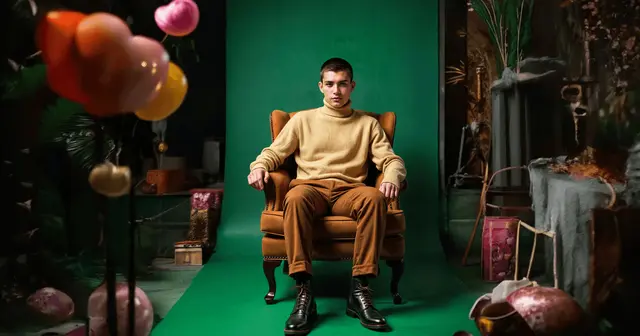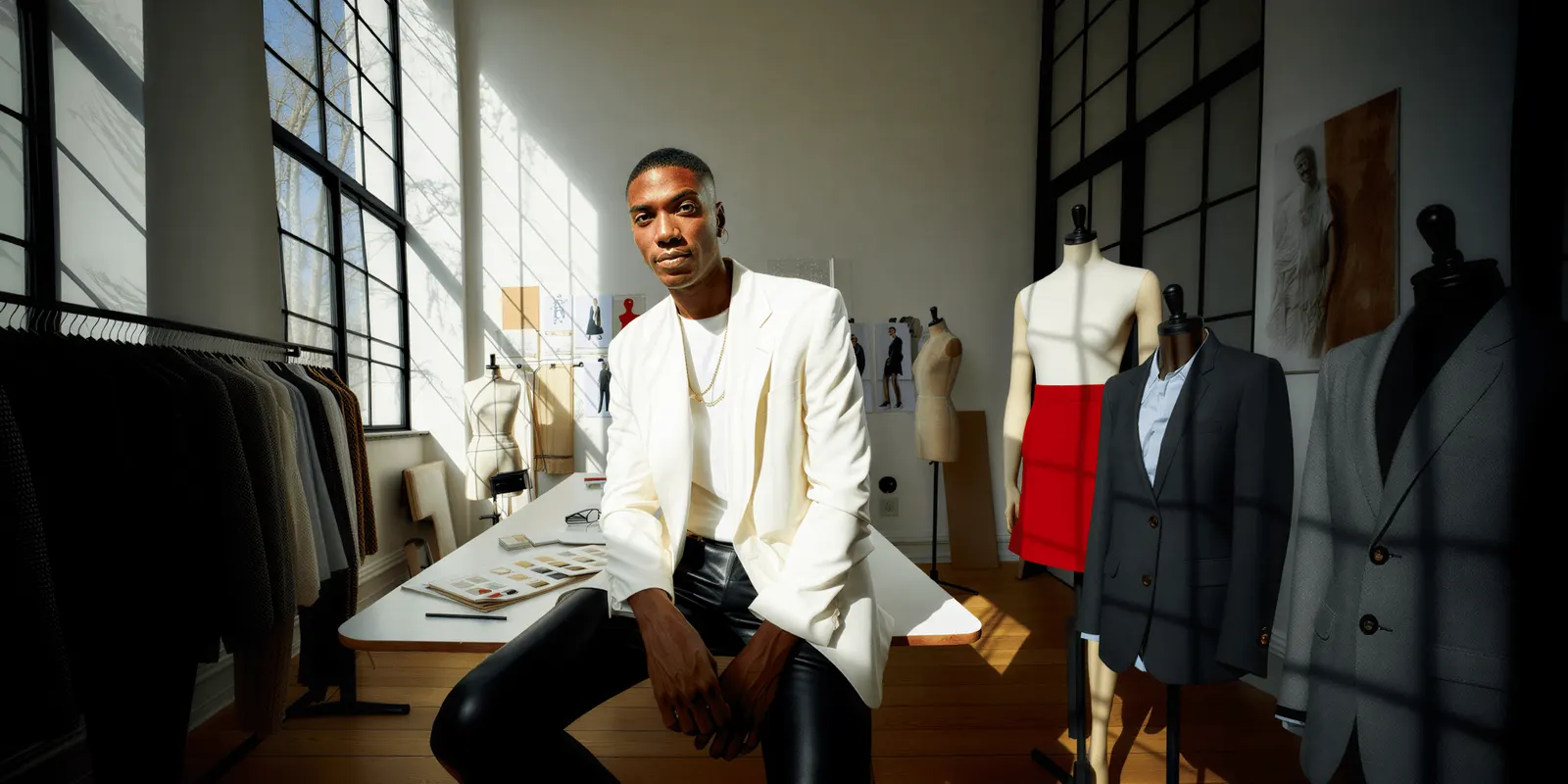
Fashion AI use cases fall into three groups: visual production you can run yourself from a product photo, platform features your ecommerce stack ships to you, and forecasting systems that need a data team. Sorting them by what each one demands shows which one you can start first.
The big fashion AI programs are enterprise work: a global retailer’s try-on, a fast-fashion supply chain, a luxury house generating prints. Those are real programs. None of them tells a brand with 40 SKUs and two marketers what to do on Monday.
This guide covers the same category, sorted differently. Instead of what the biggest houses in the world did, it groups fashion AI use cases by what it takes to run them: who does the work, what data you need, and whether you can start without asking anyone’s permission.
Key Takeaways
- 92% of companies plan to increase generative AI investment, and 1% call their rollout mature. More than 35% of executives already use it for customer service, image creation, copywriting or product discovery (BoF-McKinsey, The State of Fashion 2026).
- Dependency stalls rollouts more than budget does. Most fashion AI use cases need either your platform’s roadmap or a data function you do not have.
- Only one tier is unilateral. Visual production runs from a product photo, by one person, this week.
- Apparel returns run 20% to 40%, the highest of any ecommerce category, and sizing and fit drive roughly a third of them (Richpanel, 2026; ShipNetwork, 2026).
- Virtual try-on answers the styling question better than the fit question. Fit is the bigger return driver, so treat try-on as a confidence tool, not a returns fix.
- Start where the recurring spend already sits. For most fashion brands that is photography, not forecasting.
What are the main fashion AI use cases?
The seven main fashion AI use cases are virtual try-on, AI fashion photography, design and concept development, campaign and ad creative, personalization and styling, inventory and demand forecasting, and product copy at catalog scale.
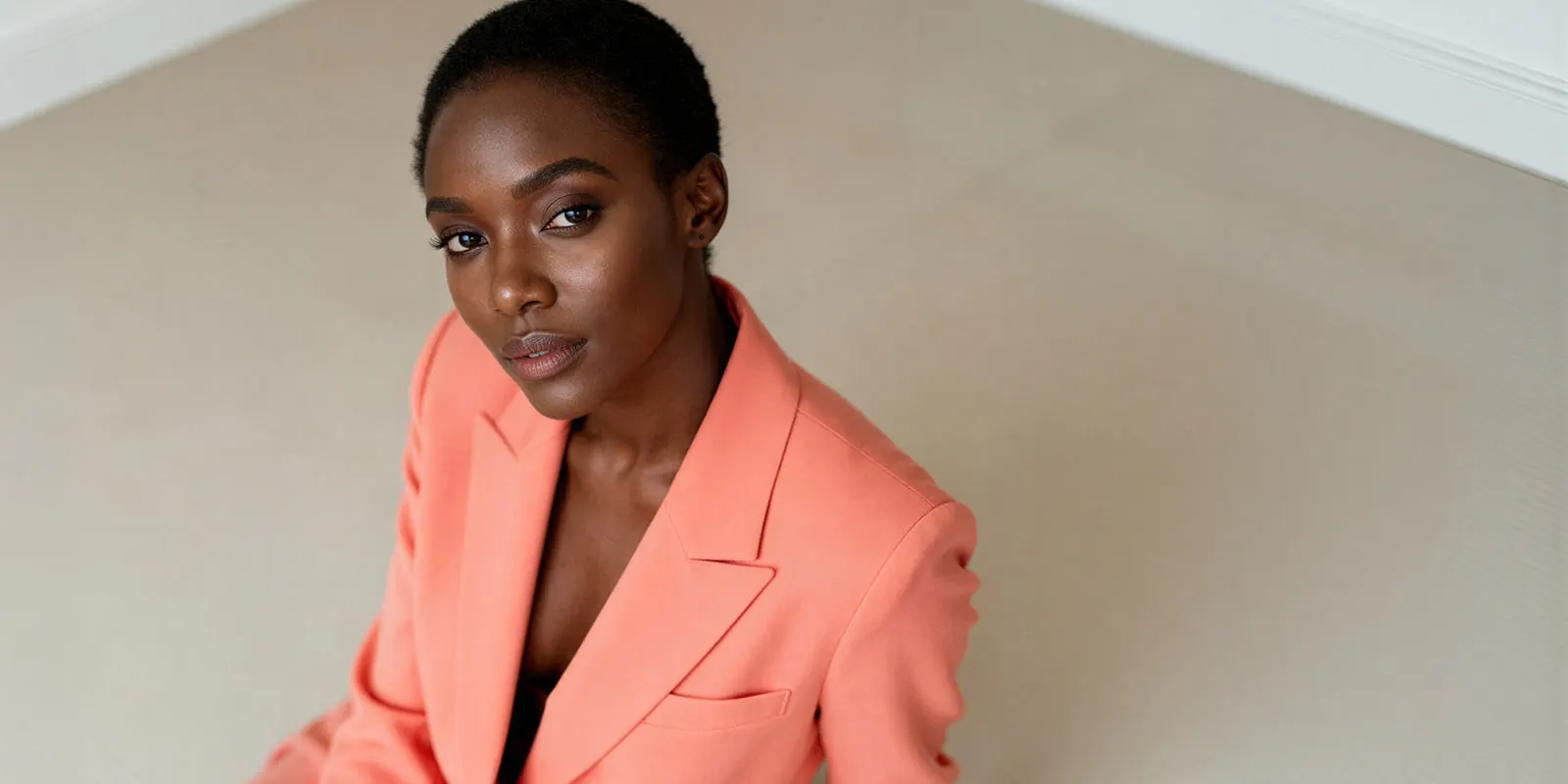
That list is flat, and flatness is the problem. For a version sorted by how much published evidence backs each one, see what the evidence supports on AI in fashion. Demand forecasting and flat-lay generation sit next to each other as if they were comparable decisions. One needs a cloud partnership and years of clean sales data. The other needs a photo of a jumper.
Here is the same seven, sorted by what each one requires.
| Use case | What it needs | Who runs it | Start this quarter? |
|---|---|---|---|
| Product and on-model imagery | One product photo | Marketer or founder | Yes |
| Campaign and ad creative | Existing brand assets | Marketing | Yes |
| Fashion video | A still to animate | Marketing | Yes |
| Design and concept exploration | Design team already in place | Design | Yes, if you have designers |
| Product copy at catalog scale | Ecommerce platform support | Ecommerce | When your platform ships it |
| Personalization and styling | Traffic volume, platform support | Ecommerce | When your platform ships it |
| Demand and inventory forecasting | Years of clean sales data, analysts | Ops and data | No, unless you are enterprise |
For the design row, the clothing design apps guide sorts the tools by device and by the file each one exports.
Where fashion AI rollouts stall
The BoF-McKinsey State of Fashion 2026 report contains two numbers that should be read together. 92% of companies say they will increase generative AI investment. 1% say their deployment has reached maturity. The report describes many as “stuck in pilot mode, testing siloed AI solutions with limited impact, with scaling often seen as too complex or costly” (mckinsey.com, State of Fashion 2026).
A 91-point gap between intent and maturity points at dependency more than budget. Money is clearly available. Scoping matters too, and sizing the business case from your own line items is what separates the pilots that scale from the ones that stall.
Look at where adoption is real. More than 35% of executives report using generative AI in online customer service, image creation, copywriting, consumer search or product discovery (mckinsey.com, State of Fashion 2026). Those are the functions where one team can act alone. The functions that stall are the ones needing clean data across systems, or a vendor’s roadmap, or a reorganization.
So the useful question is which fashion AI use cases you can run without a dependency you do not control.
Tier 1: use cases you can run this week
Visual production. Product stills, on-model imagery, campaign creative, and fashion video. Everything in this tier starts from an asset you already own, which is a photograph of your product. The tools for the video part are compared in the clothing brand video maker guide.
This tier is unilateral. No data warehouse, no platform ticket, no procurement cycle. A marketer with a garment photo can produce a full set of catalog and campaign images the same afternoon. That is the entire reason image creation is one of the functions where adoption is already real. The same split outside fashion, and where generative AI pays in an ecommerce operation, lands on the same tier for the same reason.
It is also where the recurring money sits. Photography is a cost that repeats every drop, every season, forever. Forecasting is a project. Photography is a subscription to the same problem.
Tier 2: use cases your platform ships to you
Personalization, styling recommendations, product copy at scale, and AI-assisted search. These are real and they work, but you mostly do not build them. You wait for them.
Shopify’s Winter ‘26 Edition lists 150+ product updates, with AI features such as Sidekick and theme generation among them. It also lets one product carry up to 2,048 variants, which matters for anyone managing a size and color matrix (shopify.com, October 2026). That is the shape of this tier. Value arrives through your platform, on your platform’s schedule. For the work around the platform, the guide to fashion business automation tools sorts them by style, color and size.
Your job here is configuration and editorial control, not construction. Budget attention, not engineering.
Tier 3: use cases that need a data team
Demand forecasting, inventory allocation, dynamic pricing, and supply chain optimization. This is where the headline enterprise case studies live, and where a mid-market brand should be most careful about reading them as a model.
The published wins in this tier come from companies with a dedicated data function, multi-year clean sales history across channels, and a cloud partner. Those are the preconditions, and they are rarely stated alongside the result. A brand without them is doing a different thing, not a smaller version of the same one.
If you have under a few hundred SKUs, your forecasting problem is usually a spreadsheet problem and a buying-discipline problem. AI does not fix an input you never collected.
What visual production costs against a shoot
The tier you can start this week is also the one with a clean cost comparison, because the thing it replaces has a price you already pay.
A shoot day books a photographer, a studio and a model, and retouching is billed per image on top. The model, the studio and the retoucher are separate line items, and each one is booked again for the next drop.
Plans and credits are on the pricing page. There is a free plan, and it runs on sample products. Uploading your own photos and the commercial license start on the Pro plan. AI video, virtual try-on, upscaling, the image editor and the video editor start on the Premium plan, so match the plan to the work. The cost of each run is shown before the run, which is the part a shoot cannot offer: you see the figure while you can still change the brief.
The honest version of this comparison: the shoot and the catalog are different jobs. Shoot the campaign, where art direction and a real photographer earn their fee. Generate the catalog, where you need the same jumper on a model in eleven colorways and nobody is winning an award for it. For a fuller breakdown of the line items, see what a product photoshoot costs. To work out your own figure rather than a vendor’s, run the four costs AI does not remove against your current process. For the payback math, see the three numbers that decide AI fashion photography ROI.
Virtual try-on, and what it fixes
Try-on deserves attention. The returns argument for it is looser than it sounds.
Apparel is the most returned category in ecommerce, running 20% to 40% depending on subcategory, against a blended ecommerce average near 19% to 20% (Richpanel, 2026). Within that, sizing and fit is the single largest stated reason, around a third of all returns, and bracketing, where a shopper deliberately orders several sizes, has become standard behavior (ShipNetwork, 2026).
Read those two facts together and the limit becomes clear. Most virtual try-on shows a garment on a model, or on a generic body. That answers “does this suit me” well. It does not answer “am I a medium in this brand”, which is the question driving the returns. Try-on is a confidence and styling tool, and it earns its place on that basis. Treat a returns reduction as something you measure yourself, not something you assume. What retailers published on try-on and returns shows how narrow the measured effect is. Where the sizing question is being tackled directly, fit-aware try-on research is the thread to follow.
Where try-on pays reliably is upstream of the sale: showing more of the range on more body types without booking a casting. DesignerBox handles this through virtual try-on and Dress my model, both working from a flat garment photo. The other garment steps sit under DesignerBox for fashion brands. On the model-generation side specifically, the tools differ a lot in what they are built for.
How to pick your first fashion AI use case
Three questions, in order.

Where does creative spend repeat? Not the biggest single invoice, the one that comes back every drop. For most fashion brands that is photography and ad creative, which is why Tier 1 is the usual honest answer.
What can you start without a dependency? If the answer involves a platform roadmap, a data migration or a new hire, it is not your first use case. It might be your third. Visual production usually clears this bar, because the only prerequisite is a garment photo shot in the right format, and how to create fashion visuals with AI covers which format that is.
What breaks if the output is inconsistent? This is the one teams skip. Generating a hundred images is easy. Generating a hundred images where the same model, the same light and the same garment texture hold across a drop is the actual skill, and it is what separates a usable catalog from a pile of assets. The techniques for holding one look across a drop matter more than model choice.
If you are sizing the creative volume a full drop consumes across channels, the DTC fashion playbook has the per-channel numbers.
Once the first workflow works, the win is repeating it. Build the pass once against one garment, with your ground, your light and your crop set, and save it as a workflow. A saved workflow runs the same way on the next style and the next drop. Publish it as an app, and a colleague runs it through a form without opening the workflow. That is the difference between a pile of assets and production capacity, and it is why the first use case should be the one that repeats every drop. Batch runs one workflow over a whole sheet of products. The garment stills, the on-model set, the campaign frames and the video cut stay in one place. The full workflow from the first product photo to the finished ad, in one subscription. You set the brand once, and the workflow reads it on every run. Style forty then looks like style one.
DesignerBox is AI creative production for brands and agencies. Start from a template, add your brand and your products, and run it.
FAQ
What is the most common fashion AI use case?
Image creation. More than 35% of fashion executives report already using generative AI in areas including image creation, copywriting, online customer service and product discovery (BoF-McKinsey, State of Fashion 2026). It leads because it is the use case a single team can run without waiting on data infrastructure or a platform release.
Can a small fashion brand use AI without a data team?
Yes, for visual production. On-model imagery, product stills, campaign creative and fashion video all run from a product photo and need no data infrastructure. Forecasting, inventory optimization and dynamic pricing are the use cases that need a data function, clean multi-year sales history, and usually a cloud partner.
Does AI virtual try-on reduce returns?
It may help, but do not assume it. Apparel returns run 20% to 40%, with sizing and fit the largest single reason (Richpanel, 2026). Try-on typically shows a garment on a model rather than telling a shopper their size in your brand, so it addresses styling confidence more directly than fit. Measure it against your own return data before crediting it.
Is AI fashion photography good enough for a product page?
For catalog and PDP work, yes, provided you control consistency. Resolution is rarely the problem. Drift is: fabric texture, model identity and lighting shifting between shots in the same set. Brands that lock those variables get usable PDP sets. Brands that generate image by image get a pile of near-misses.
What does it cost to run fashion AI for visual production?
There is a free plan, and it runs on sample products. Uploading your own photos and the commercial license start on the Pro plan. Virtual try-on and AI video start on the Premium plan. The cost of each run is shown before the run. Compare that against the day rates and the per-image retouching fees on your last shoot invoice.
Do I still need a photoshoot?
For campaign and brand imagery, usually yes. Art direction, a real photographer and a real set still produce something worth paying for when the image carries the brand. For catalog, colorway variants and ad iterations, the economics rarely justify a studio day. Shoot the campaign, generate the catalog.
Which fashion AI use case should I start with?
The one where your creative spend already repeats and where you have no external dependency. For most fashion brands that is product and on-model imagery, because photography recurs every drop and it runs from an asset you already own.
Sources
Adoption and market figures verified from the BoF-McKinsey State of Fashion 2026 report, Shopify’s Winter ‘26 release notes, and 2026 ecommerce returns benchmarks from Richpanel and ShipNetwork, as of August 2026. The Shopify Winter ‘26 Edition page (shopify.com/editions/winter2026) was re-checked on 2 October 2026. DesignerBox plan gates from the DesignerBox product pages (designerbox.ai/product/batch), October 2026. Shoot costs vary by market and scope. Individual results vary.