Clothes Flat Lay and Ghost Mannequin Shots in DesignerBox
Get clothes laid flat on white, smooth fabric and ghost shots for every product page with DesignerBox, in one order you run on up to 200 garments per batch.
Make with AI
Create Ask in your own words, get photos and ads Generate Choose an AI model, make a picture or video Inspiration Pick an idea and make it with your product Avatars The same person in every picture and videoNewest first. 686 guides on AI product photography, on-model shots, AI video and ad creative. Browse by topic from the blog home.
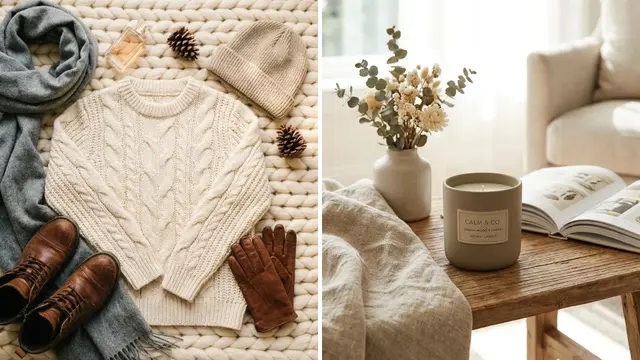
Get clothes laid flat on white, smooth fabric and ghost shots for every product page with DesignerBox, in one order you run on up to 200 garments per batch.

Critic steps in a DesignerBox workflow score several versions and keep the best one. Make four versions per product, then check the kept result yourself.
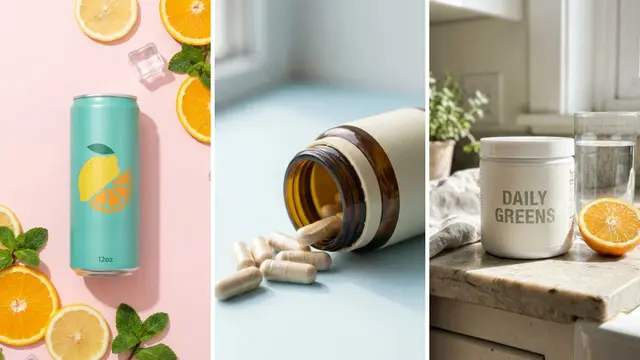
DesignerBox Fix the product returns an AI picture with your real label and logo. See the 4 ways AI gets a pack wrong, the steps, and the check before use.
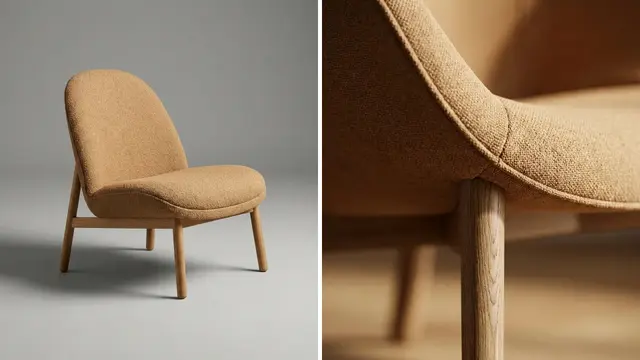
DesignerBox furniture room scenes: put each packshot in styled rooms with one template, 12 brand references for the look, and a batch of up to 200 pieces.

DesignerBox Generate makes pictures and videos with the model you choose. Add up to 5 references or a start frame, see the cost first, then compare models.

DesignerBox headline testing: put 10 headlines on 5 products to get 50 ads, keep the picture fixed, and let your ad platform run the test. Steps and limits.
DesignerBox Inspiration is a gallery of ready ideas on the Create screen. Choose one, add your product, read the plan and the price, and run it in 7 steps.
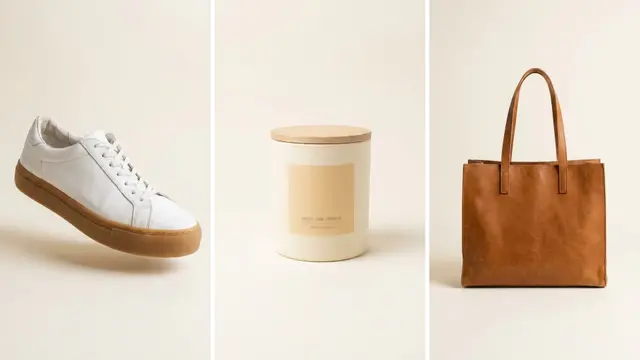
Make six marketplace listing pictures from one product photo in DesignerBox, then run the same app on up to 200 products in one batch before peak season.
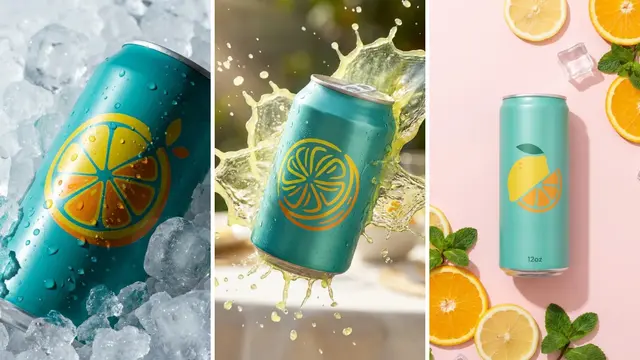
Make a product launch campaign in DesignerBox from one photo and one headline: pictures, ads and a video from one template, then 7 steps to the final set.
Show one product in every color you sell from one photo with the DesignerBox Product in other colors app, then run it on up to 200 products in a batch.

Remix a reel or carousel format in DesignerBox: keep the structure, put your product in it and run it on up to 200 products. 6 steps and the rights rules.
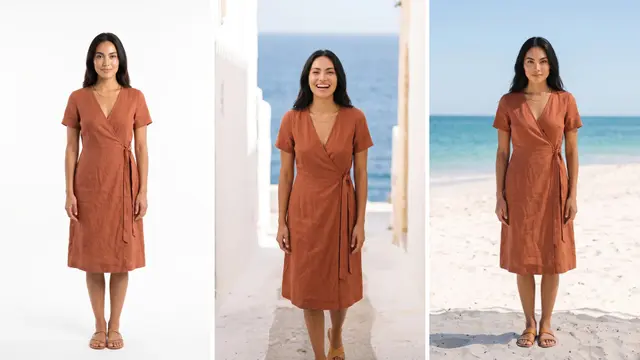
Show every new garment on the same model all season in DesignerBox. One nine-pose avatar, one saved workflow, and a batch of up to 200 rows you check by hand.
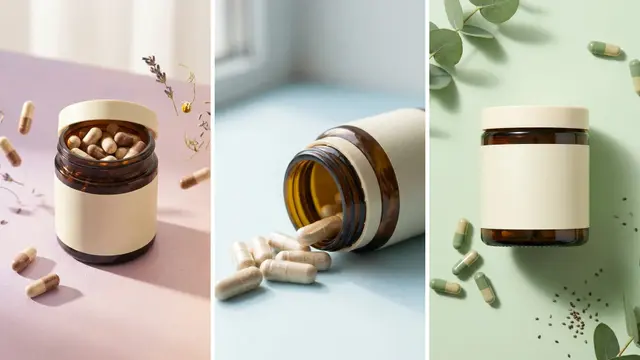
Make seasonal product photos in DesignerBox: 50 hero pictures, 3 seasons and one 50-row batch sheet per season, plus the checks before each sale goes live.
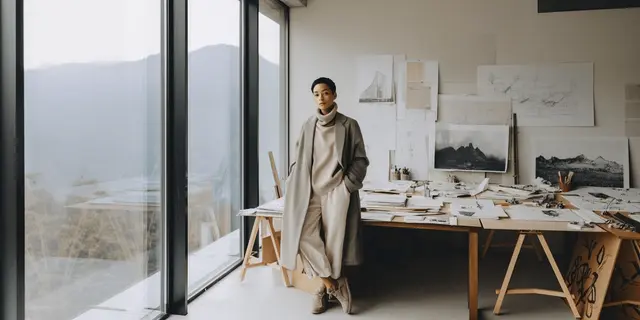
Turn a fashion sketch into a photo of the garment on a model in DesignerBox, before the sample is sewn. 6 steps, 5 checks and the limits of the picture.
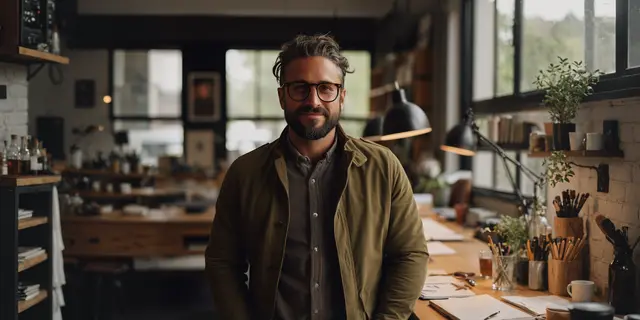
Make a spokesperson video in DesignerBox from your script and one product photo: 6 steps, the nine-pose avatar, captions, the plan gate and the AI label rules.
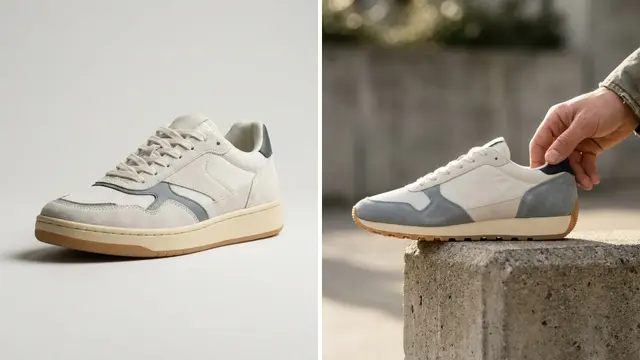
Put every supplier photo on the same white background with DesignerBox: ten photos in one template run, then a saved workflow and a batch of up to 200 rows.
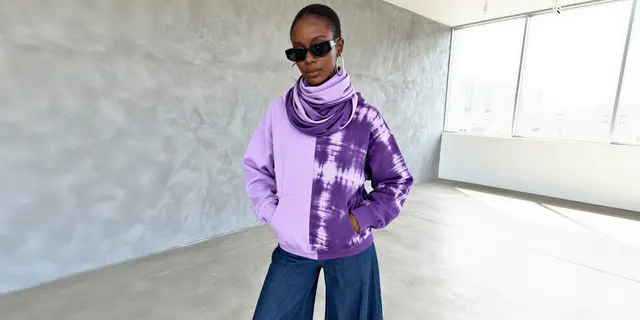
A hoodie photoshoot has to show the hood, the pocket, the fleece and the print. The shot list, why the pocket shrinks the front print, and 6 ideas.
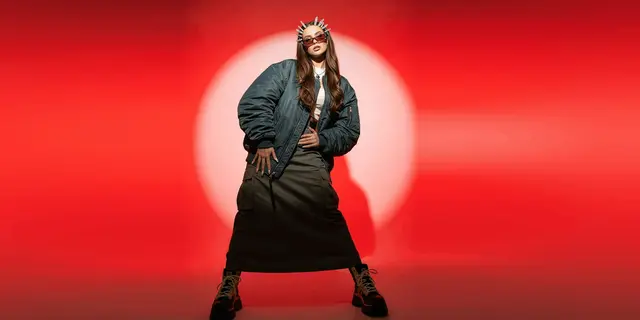
How to make an AI influencer in 8 steps: write the brief and a character bible, build a 9-view reference set, add video and voice, then label each post.
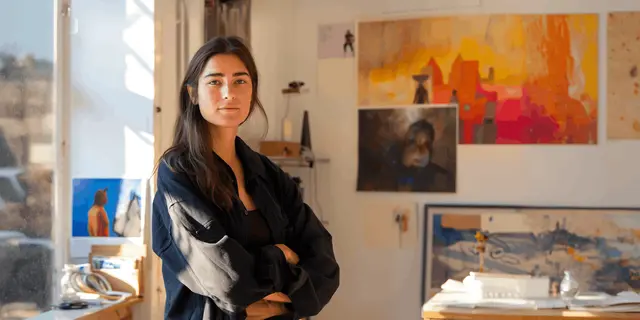
How to photograph artwork in 8 steps: two lights at 45 degrees, a gray card, 300 pixels per inch at print size, and a size check on every room scene.
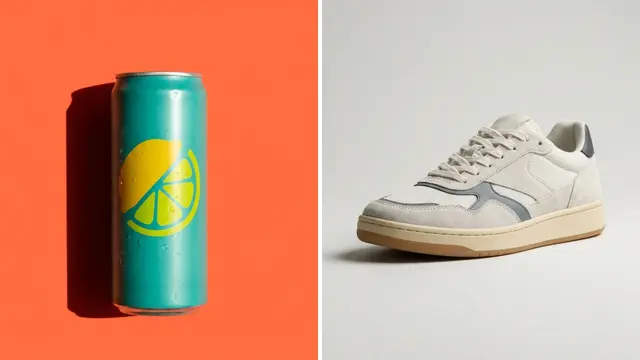
Motion graphics for social media: 6 moves that carry a clip, safe zones and specs checked on Meta, TikTok, YouTube and LinkedIn, and a weekly AI workflow.
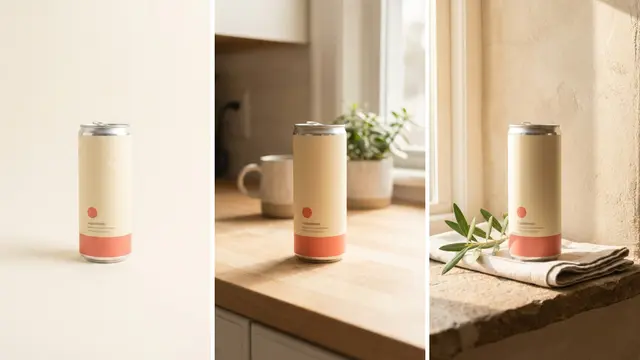
Nano Banana 2.1 explained: Google's specs, what changed from Nano Banana 2, a 1K picture at half the old price, and the limits to check on every product photo.

Photo proofing lets a client pick the pictures to finish from a private link. See the 6 steps of a proofing round, 5 rules that save a round, and AI-made sets.
Proofing software compared by the review you run: markup, staged sign-off, video notes or a picture choice. See 10 tools, what each does well, and 5 checks.

Real estate video ads run under housing ad rules: no age, gender or ZIP targeting on Meta, Google or TikTok. Five ad formats that still reach the right buyer.
Save your logo, colors, fonts and rules once. DesignerBox uses them for one product, or for 200 in a batch.
Get started free